
To use this feature, you need the AI Assist add-on.
Using AI Assist, you can generate a combined summary of multiple coded segments currently listed in the "Retrieved Segments" window. The summary is displayed in a popup window where you can edit it and then save it as a free memo or copy it to your clipboard.
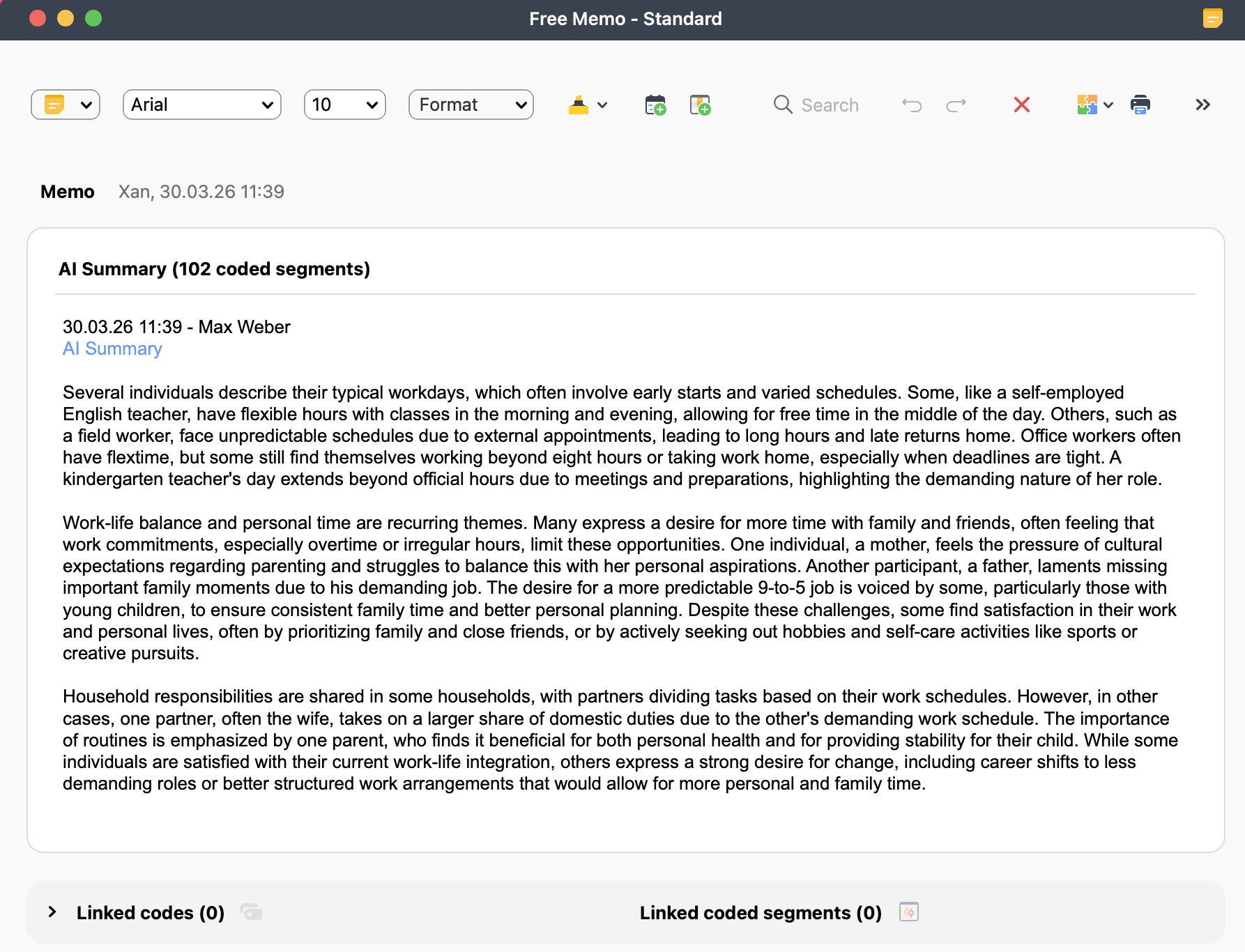
How to summarize retrieved segments
You can generate a combined summary of the coded segments currently listed in the "Retrieved Segments" window:
- Activate the documents and codes you want to include, so that the desired segments are listed in the "Retrieved Segments" window.
- Click the
 AI Assist icon in the toolbar of the "Retrieved Segments" window and select Summarize Listed Text Segments.
 - In the dialog box that appears, configure your summary request:
- Set the summary language and length (short, medium, long).
- Optionally, choose a bullet-point format.
- Add additional instructions to guide AI Assist, if needed.
- Click OK to generate the summary.
 AI Assist icon in the toolbar of the "Retrieved Segments" window and select Summarize Listed Text Segments.
The generated summary is displayed in a popup window. You can edit it if necessary and then choose how to handle the result:
 Copy to Clipboard: Copy the summary text to your clipboard.
 Save as Free Memo: Save the summary as a free memo in your project.
Close: Close the popup without saving. A confirmation message will appear asking whether you want to discard the summary.
- AI Assist provides very good results for very many use cases. Nevertheless, you should still review the results.
- If you analyze texts with critical content (violence, hate speech, bullying, etc.), summaries may not be created.
- Usually, you will receive the same or very similar summary for the same segments. However, a summary may differ from previous ones because the underlying language model produces variable results and is continuously updated.
To learn more about how we safeguard your data and privacy in relation to AI Assist, please visit our Data Privacy and Security page.
