
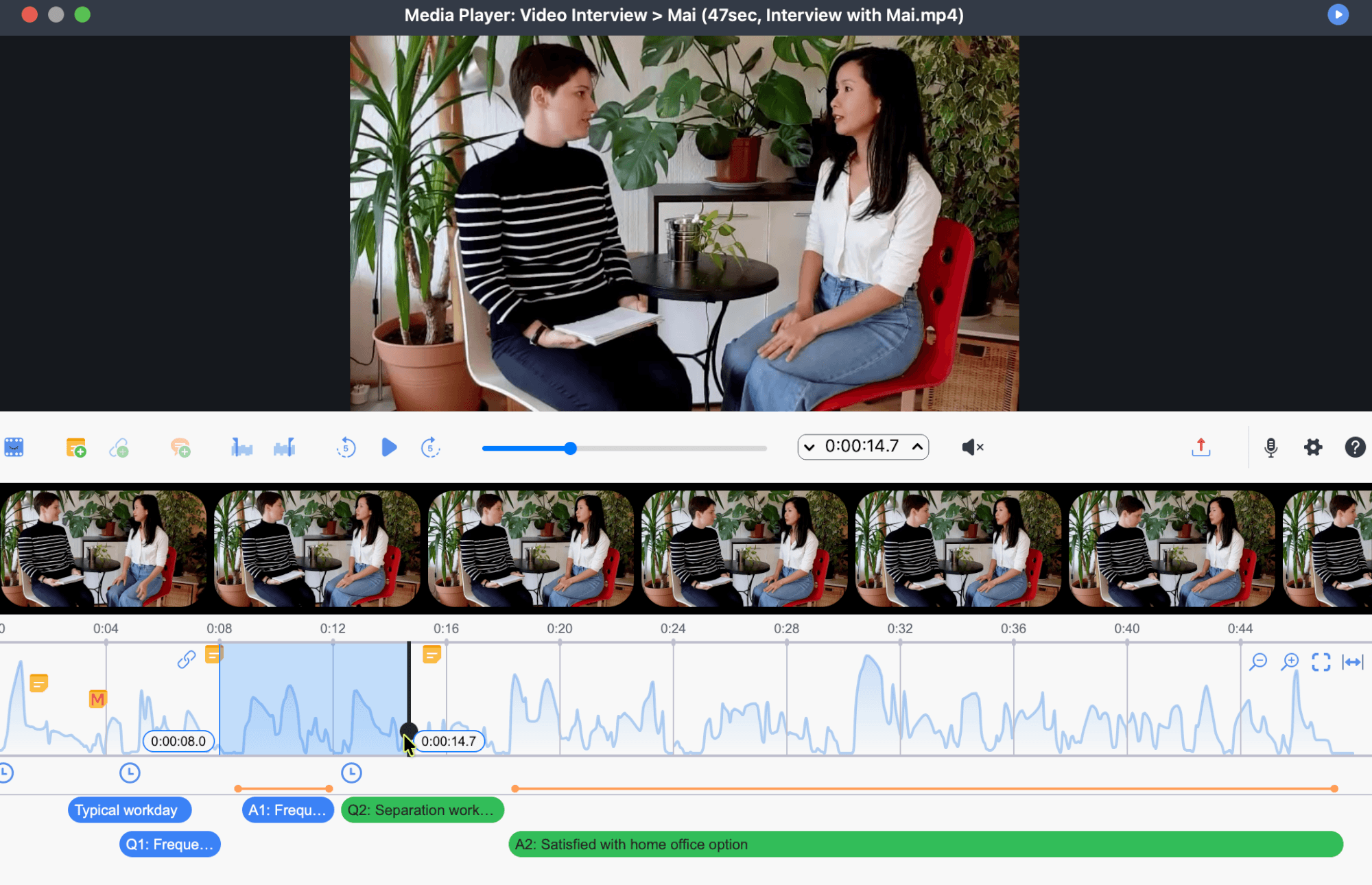
MAXQDA lets you work directly with video material in your project. You can play videos, code video clips, attach memos to time positions, create internal links, paraphrase scenes, export clips, and use visual and mixed methods tools to analyze coded video segments. The same workflows apply to audio files.
Video and audio files are linked to documents in your project. This makes it possible to combine the media material with transcripts, codes, memos, comments, summaries, and links. Depending on your workflow, you can analyze video material directly, work with a transcript, or switch between the two.
Preparing and transcribing video material
For information on supported formats, recommended file preparation, importing video files, and assigning media files to documents, see Audio and Video.
For information on manually transcribing video and audio material, see Manual Transcription.
Video analysis and your data
Video analysis in MAXQDA can include several connected activities:
- Coding video and audio clips and displaying coded segments in the Media Player.
- Adding comments and weight scores to coded segments.
- Attaching memos to specific time positions.
- Creating internal links between clips and other project content.
- Paraphrasing selected scenes.
- Exporting clips for presentation, discussion, or further analysis.
- Analyzing coded segments with retrieval, visualization, and comparison tools.
In this chapter
- Video Coding and Analysis: Learn how to use the Media Player, select video clips, assign codes, display coded segments, export clips, and continue analyzing coded video material.
- Annotating and Linking Video: Learn how to add memos to time positions, create internal links, and paraphrase scenes in the Media Player.
