
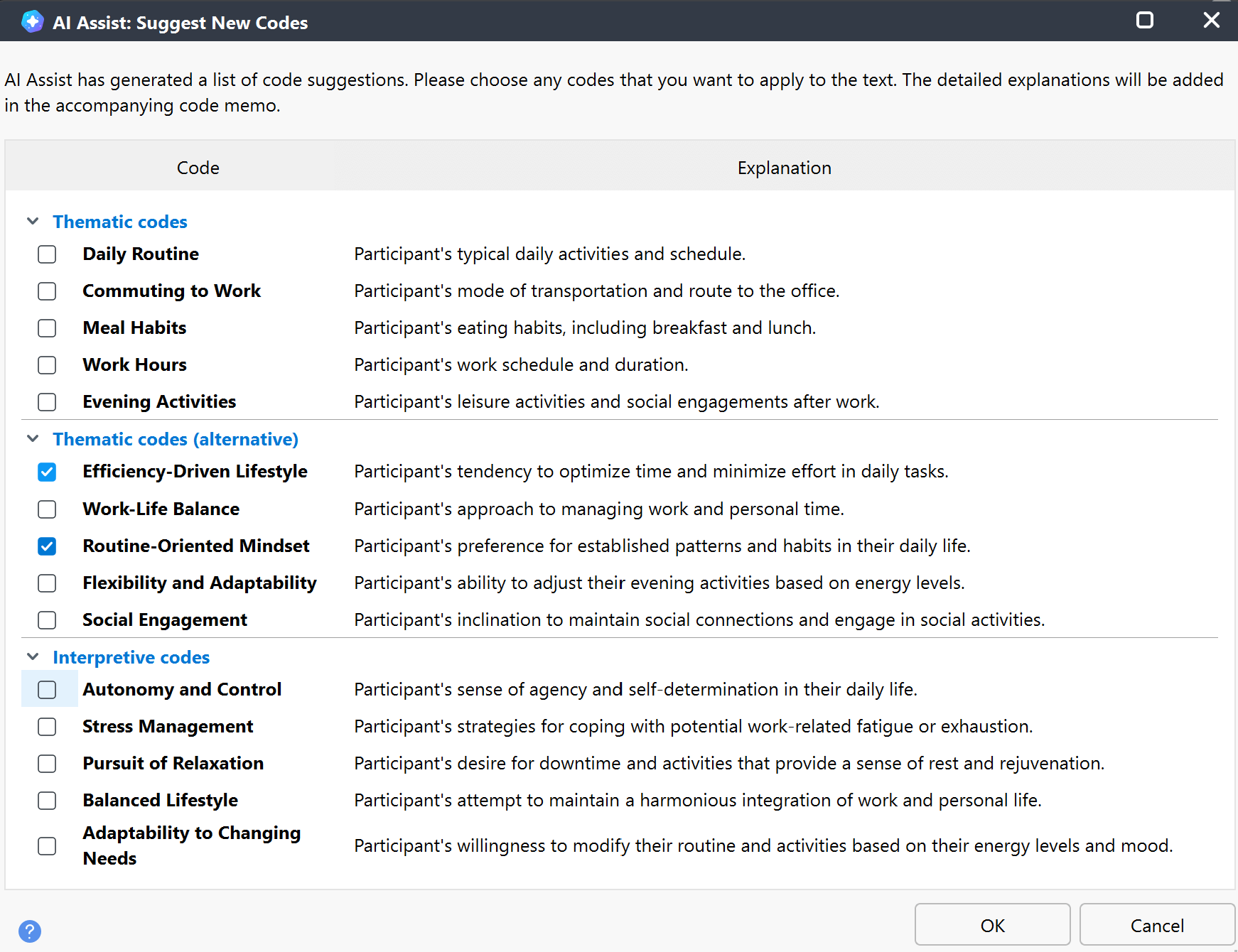
With AI Assist, you can automatically generate an inspiring list of potential new codes for a selected section of text. You can evaluate whether the suggestions are helpful for your analysis tasks, choose the most appropriate codes, and then MAXQDA will apply them to the selected text.
How to get new code suggestions using AI Assist
You can access the new code suggestion feature in any of the following ways:
Using the AI Assist main menu
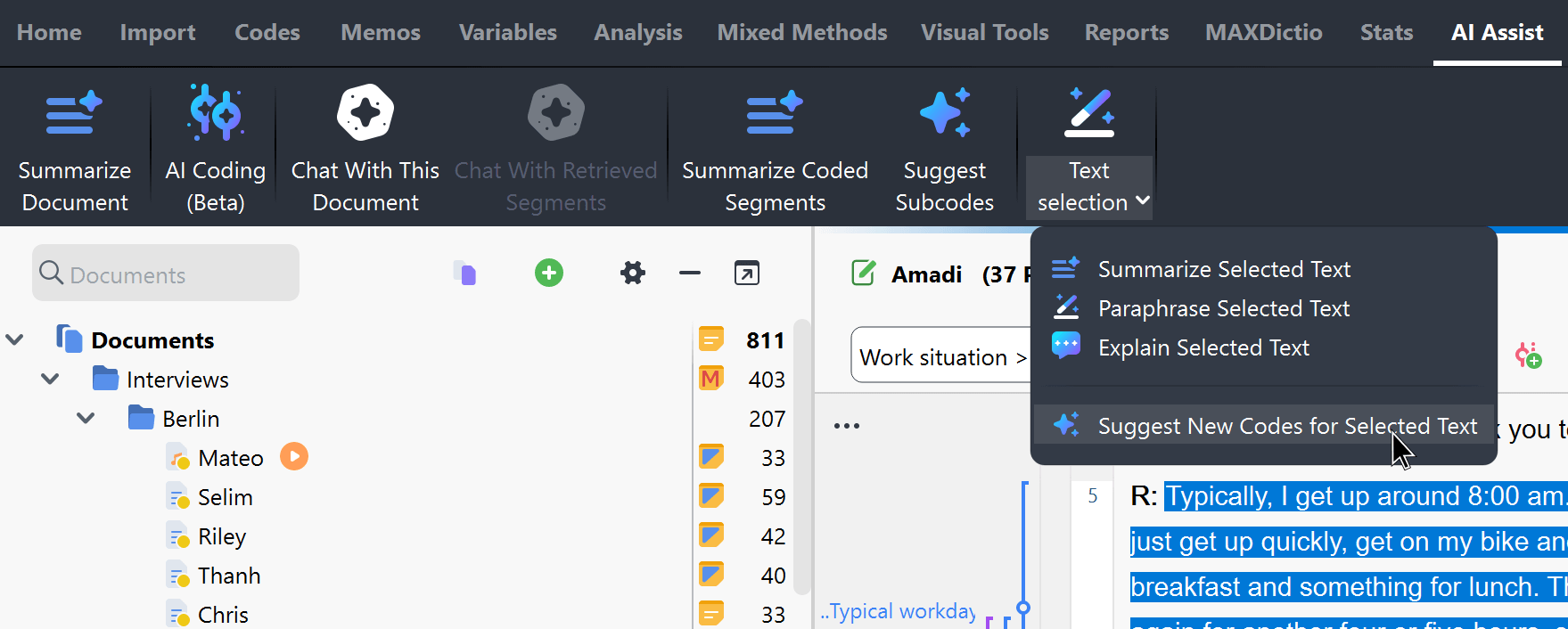
- In the Document Browser, choose the text passage for which you want new code suggestions.
- Navigate to the main menu and select AI Assist > Text Selection > Suggest New Codes for Selected Text.
Using the Document Browser toolbar
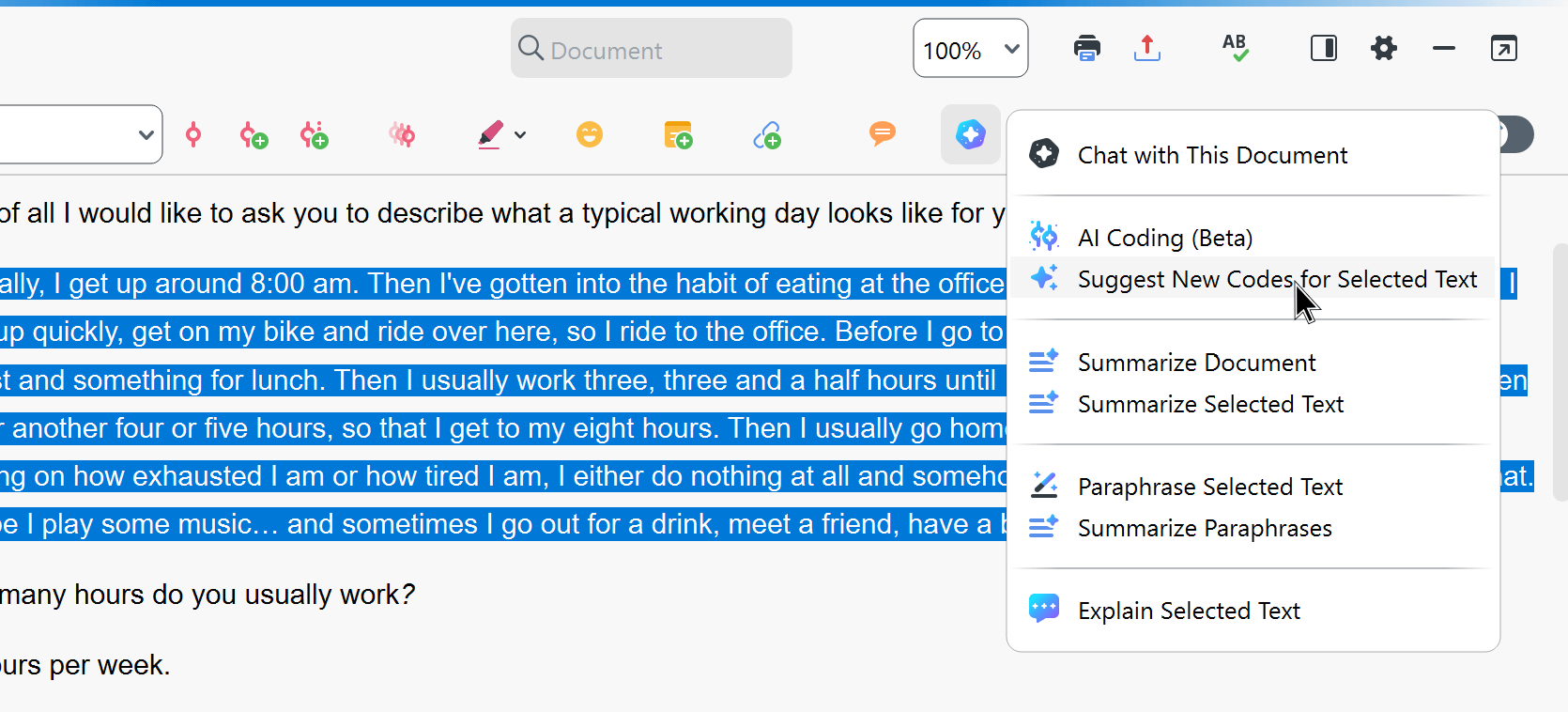
- Select a text passage in the Document Browser.
- Navigate to the
 AI Assist icon in the toolbar and select Suggest New Codes for Selected Text.
 AI Assist icon in the toolbar and select Suggest New Codes for Selected Text.
Using the selected text's context menu
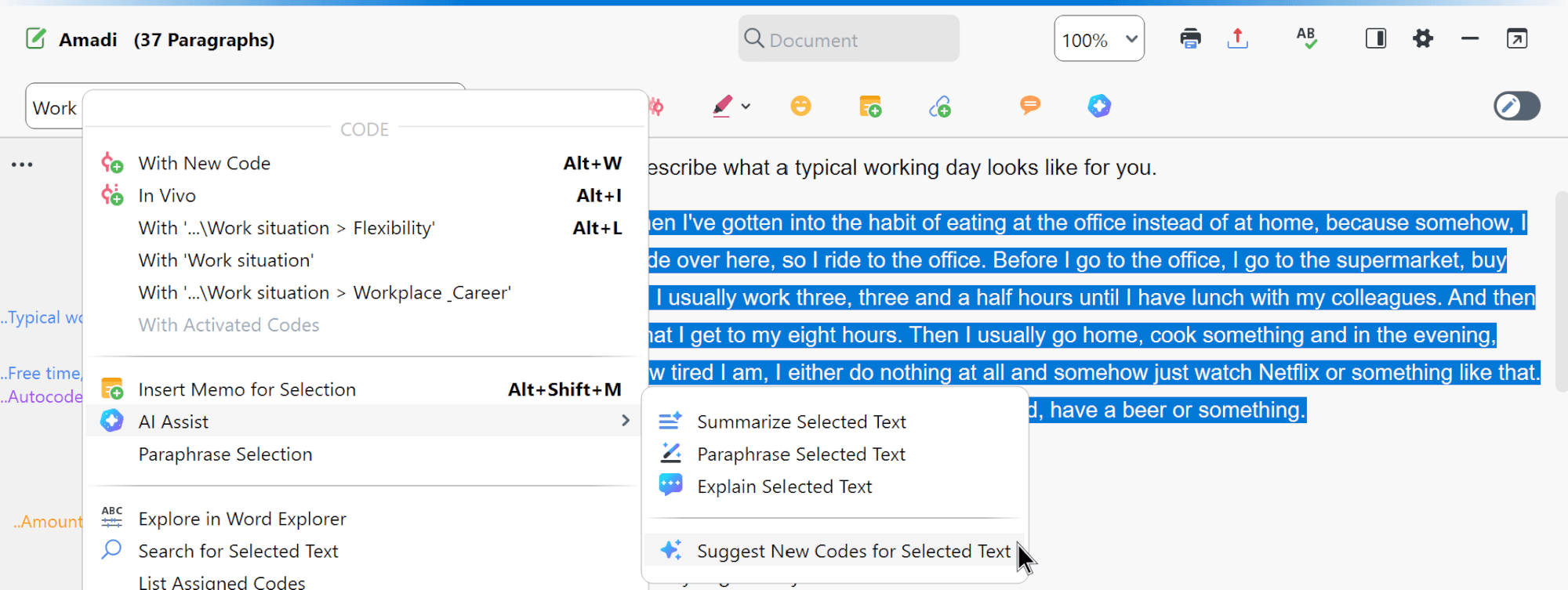
- Select a text passage in the Document Browser and right-click on the selection.
- In the context menu, select AI Assist > Suggest New Codes for Text Selection.
Configure your AI suggestion options
- In the dialog that appears, specify the desired language for the suggestions and confirm with Start. The language selected for the suggestions may differ from the coded segments' language; the coded segments may also vary in language.
- MAXQDA will present a list of possible new codes. Select all suitable ones to apply to the selected text.
- Click OK to confirm and finalize the new code assignment.
Additional Instructions let you guide how AI Assist creates code suggestions.
For example, you can specify a focus such as:
Focus on emotional reactions rather than factual statements
AI Assist will attempt to follow these instructions. If you create a code from the suggestions, any instructions you entered are saved to its code memo together with the suggestion, so you can review them later.
Understanding and managing new code suggestions
MAXQDA creates all selected codes at the top of the code system and assigns them to the selected text passage. The explanations are saved in the respective code memos. Please note that in some cases there is no explanation; then no code memo is created.
Typically, MAXQDA will present three separate sets of suggestions: the first two sets contain thematic codes, where the codes in the second tend to be more general. The third set contains codes that usually express more interpretation. You're free to pick as many codes as you want from any of these groups.
Already existing codes are not considered for creating the suggestions. In this chapter you'll find information on how you can easily merge similar codes in the code system.
Please note:
- AI Assist provides very good results for very many use cases. Nevertheless, it is important that you check the results.
- If you analyze texts with critical content (violence, hate speech, bullying, etc.), suggestions may not be created.
- Usually, you will receive the same or very similar suggestions for the same segment. However, it may happen that suggestions are different from previous ones, because the generative language model used provides dynamic results and because AI Assist is continuously optimized.
