
The Overview of Timestamps lists all timestamps in the currently opened transcript. To open it, click the  Overview of Timestamps icon in the Document Browser toolbar.
The Overview of Timestamps has one row for each timestamp in the document. Each row shows the start and end points of the segment, a Comment column where you can write a short note about the segment, and the Duration of the segment.
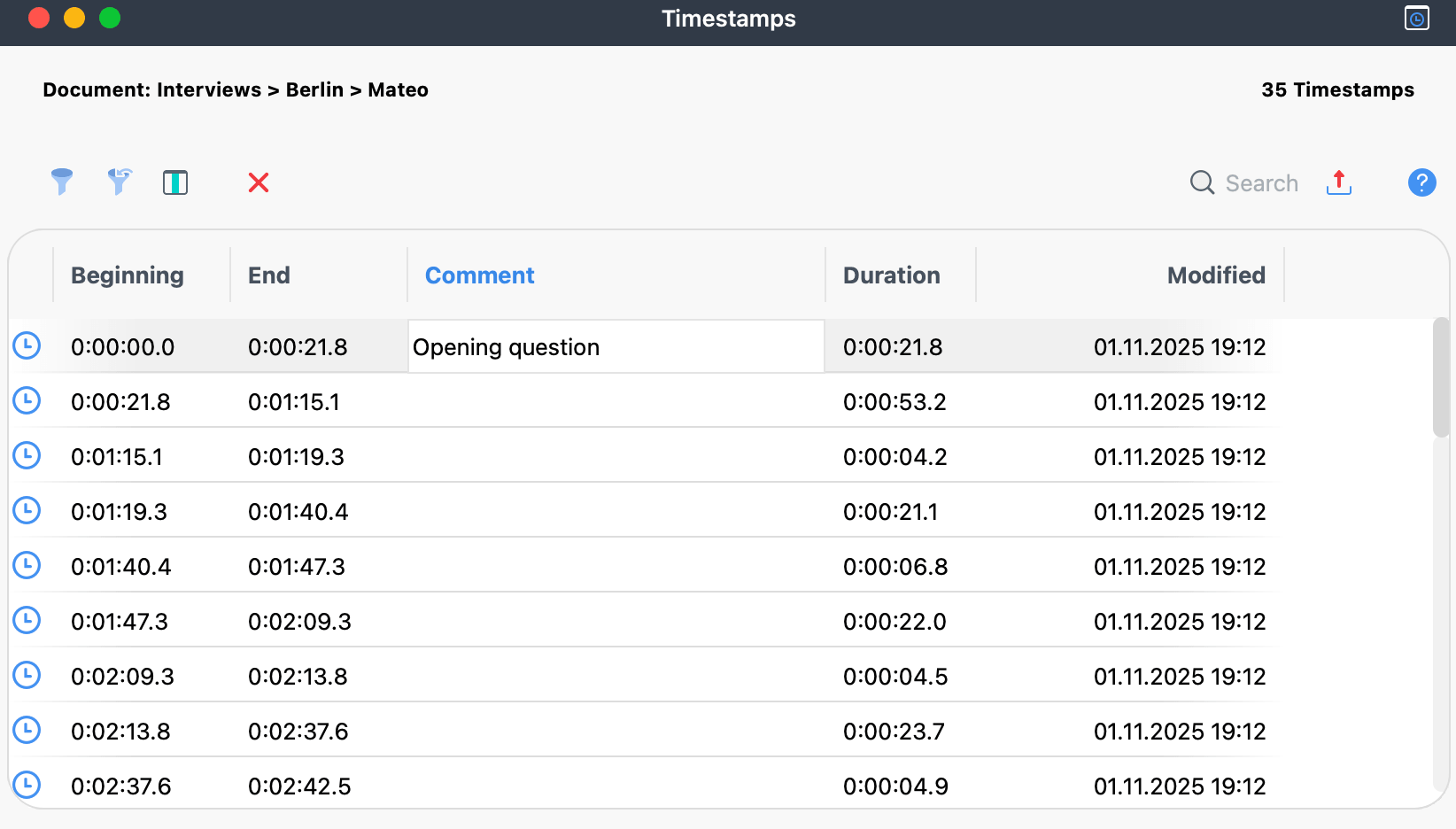
The table and its Comment column work like any other MAXQDA table, so you can sort the comments or search them.
Right-click the Comment column header and select Search.
Comments help you find sections of your media file: use them to organize and quickly access specific sections. Double-click a row to jump to that section of the text in the Document Browser and start playback of the media file from that point.
Every transcript with an assigned media file contains at least one timestamp at position 0, the beginning of the document.
