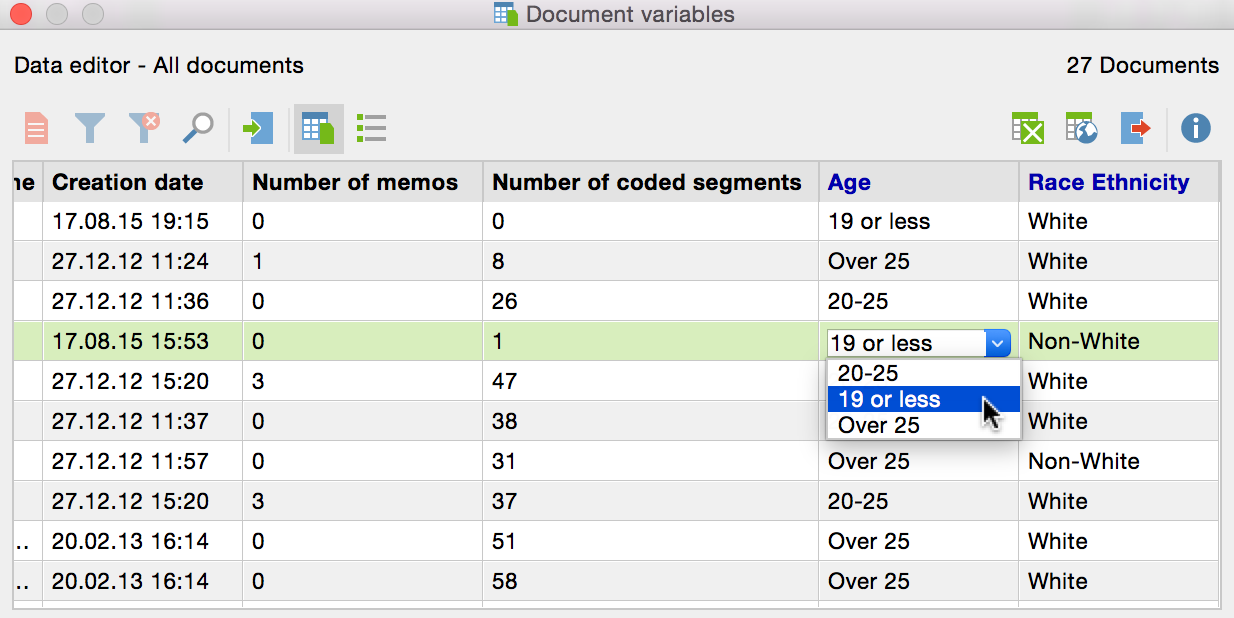
To insert variable values into the “Data editor:”
Double-click on the cell of the table where you would like to insert a value. The values that have already been given to any of the cases in the column are in the drop-down list, sorted alphabetically. You can view this list and select a value from it by clicking on the triangle to the right of the cell you double-clicked on.
If the value isn’t available in the drop-down list, you can simply type in the value after double-clicking in the cell.
Tip: Drop-down lists are less useful when a variable has many different values (e.g. the exact income of every interviewee). Even if the value was in the drop-down list, it would be faster to type it in than to search for it. You can stop the program from displaying a column’s drop-down list by right-clicking on the column header and selecting (to uncheck) List of values.