
To open a project that was created in an earlier version of MAXQDA, launch MAXQDA and select Open project. A dialog window will appear, from which you can select the file type which corresponds to your project.
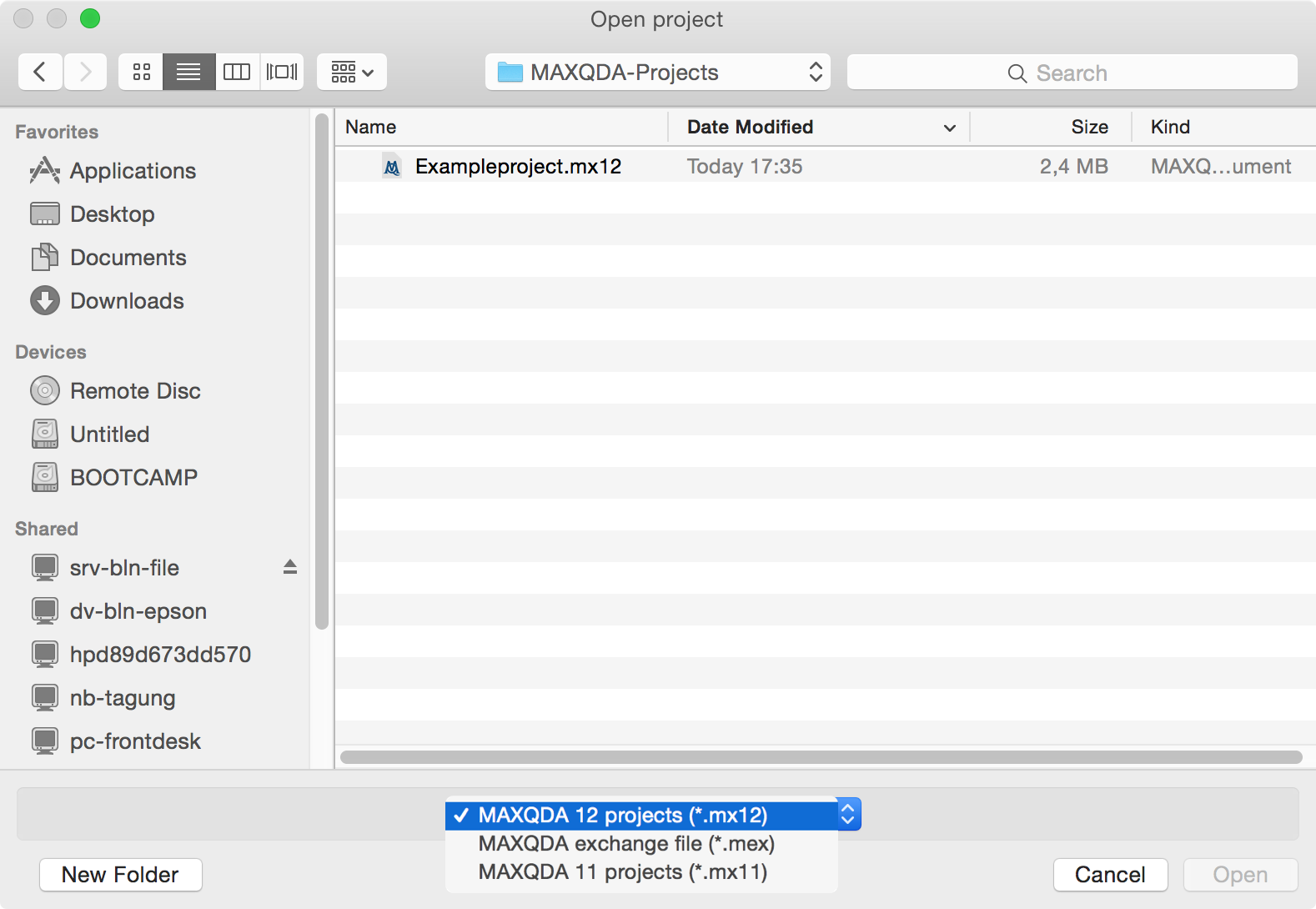
MAXQDA 12 for Windows can read the following project formats:
- MAXQDA 12 (Ending: MX12)
- MAXQDA 11 for Windows (MX5)
- MAXQDA 10 (MX4)
- MAXQDA 2007 (MX3)
- MAXQDA 2 (MX2)
- MAXQDA (M2K)
- MAXQDA Exchange files (MEX), that were created with MAXQDA for Mac versions 11.2.2 or newer.
- MAXQDA Exchange files (MEX), that were created with MAXQDA for Windows
- MAXQDA 12 for Mac can read the following file formats:
- MAXQDA 12 (Ending: MX12)
- MAXQDA 11 for Mac (MX11)
- MAXQDA Exchange Files (MEX), that were created with MAXQDA for Mac version 11.2.2 or newer.
- MAXQDA Exchange Files (MEX), that were created with MAXQDA for Windows version 11.1.0 or newer.
Note: MAXQDA 12 will install a copy of the project in the new MX12 format in the folder where the project is located. Please note that the conversion process may take several minutes to complete. The progress of the conversion process will be displayed on your screen at all times.
