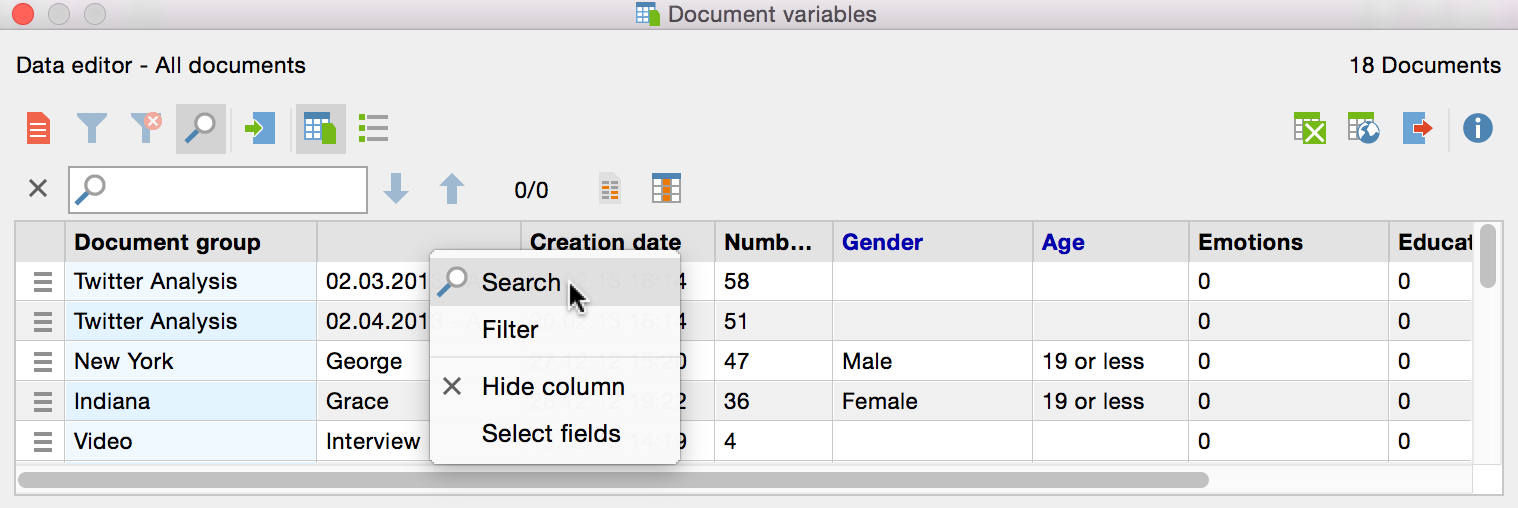
To browse a table overview, click on the  symbol at the top of overview. Another toolbar will appear, in which you can enter the search term.
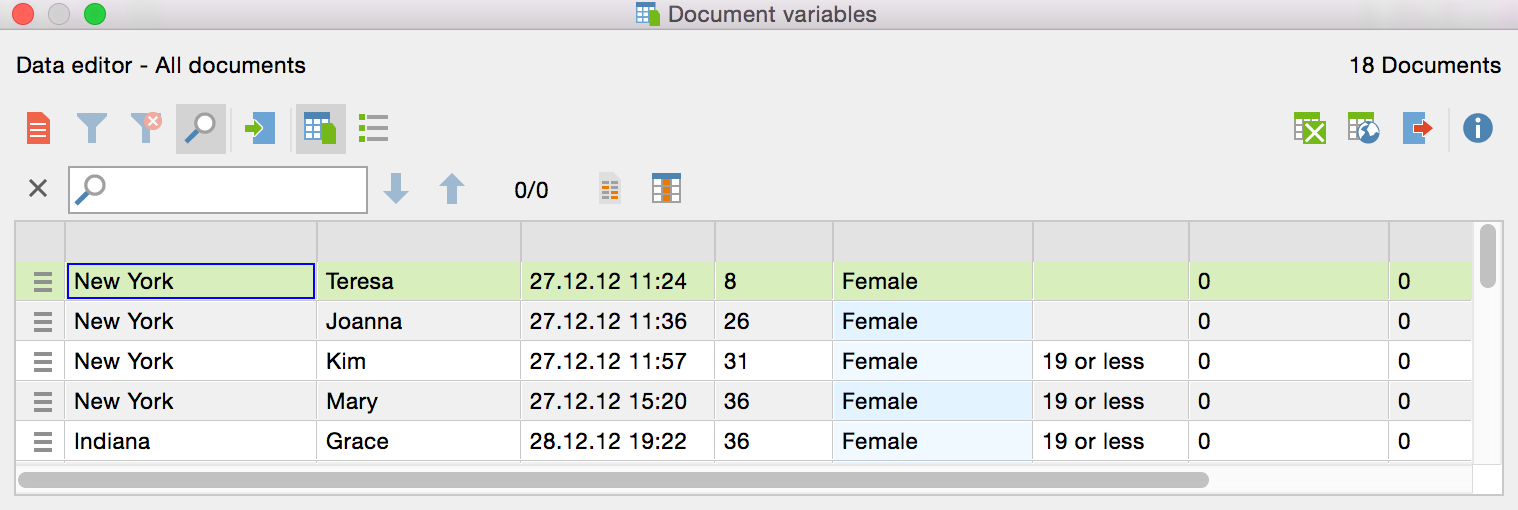
 Highlight all rows with hits – Highlights all the lines in which the search term appears.
 Choose search columns – Allows you to select which columns will be searched.
Tip: If you want to limit your search to a single column in the table, right-click on the column heading and select the Search option. MAXQDA automatically selects only the indicated column for the search.