
To start Creative Coding, select Codes > Creative Coding from the main menu, upon which MAXMaps will open in Creative Coding mode and the following display will appear:
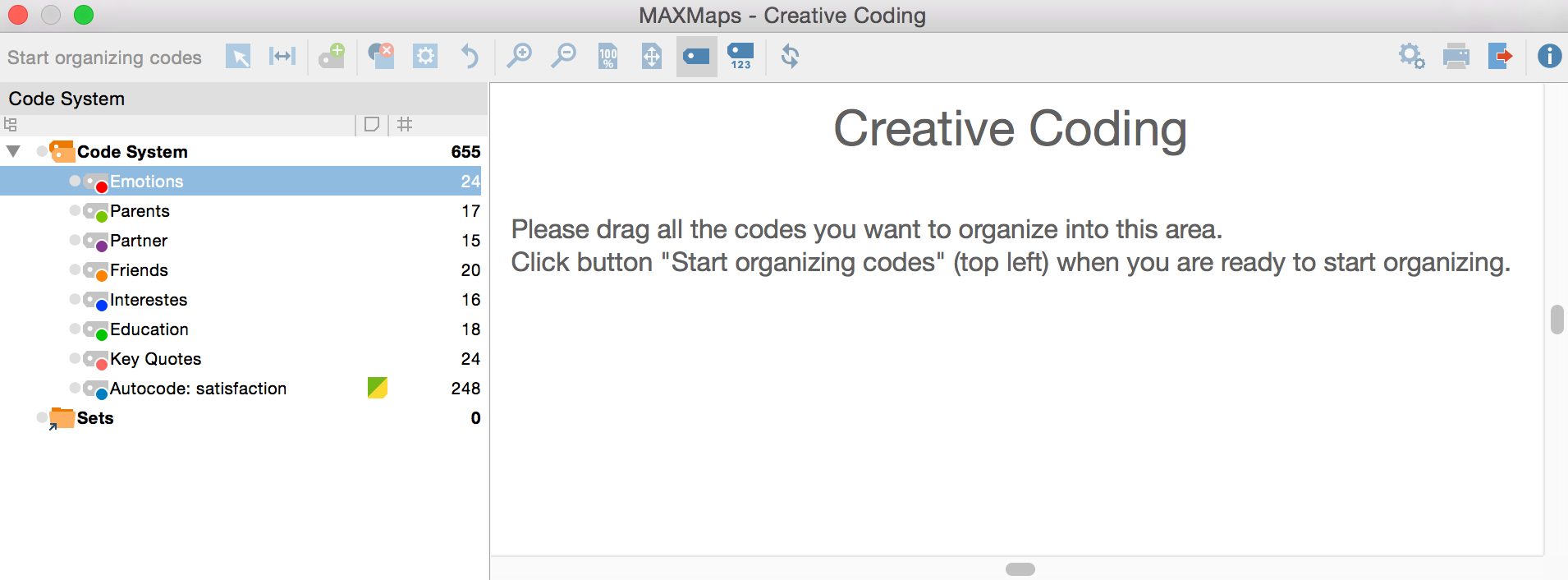
Note: In Creative Coding only those top level codes will be displayed, that have a maximum of two subcode levels. All top level codes with more than two subcode levels are not available.
Now, single codes can be dragged from the code tree into the white work surface on the right with the mouse. If you select a code with subcodes, MAXQDA will insert the subcodes automatically on the work surface.
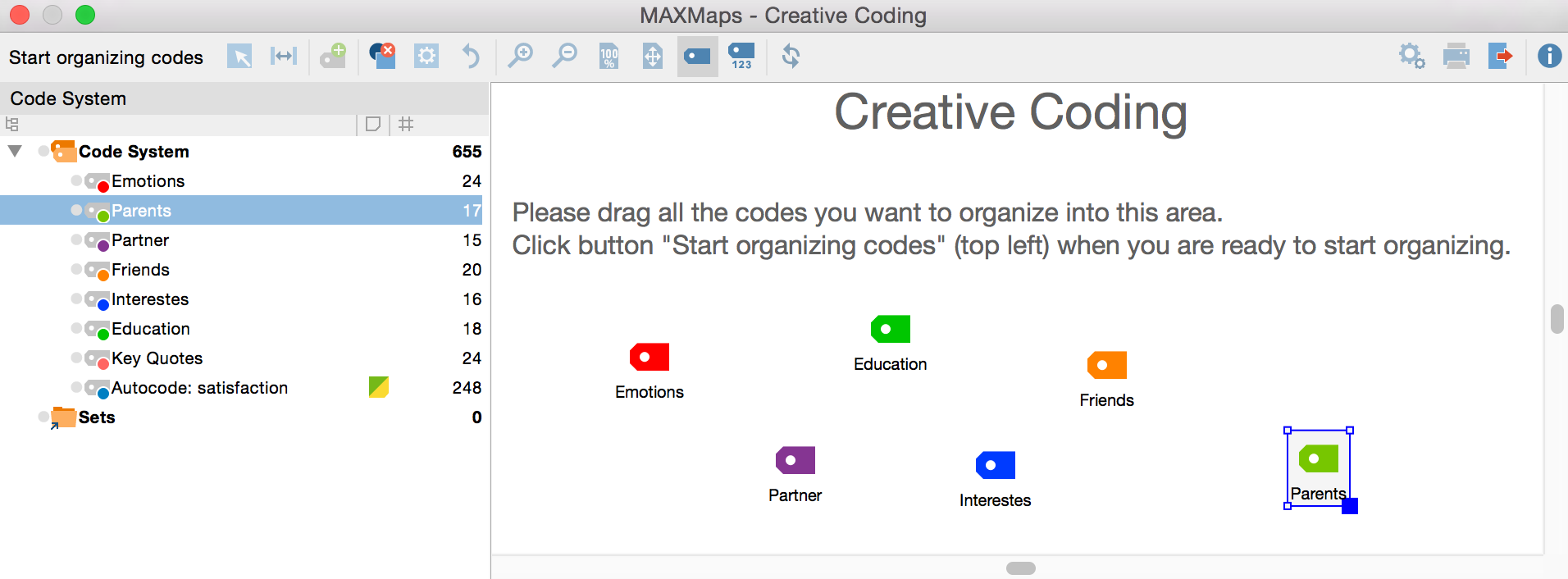
To remove a code from the work surface, right-click the code and select Remove from map  .
.
After completing your selection, click the Start organizing codes button at the top left of the screen.
Note: While MAXQDA is in “Creative Coding” mode, the MAXQDA application is blocked and no further changes can be made to the open project until Creative Coding is finished.
