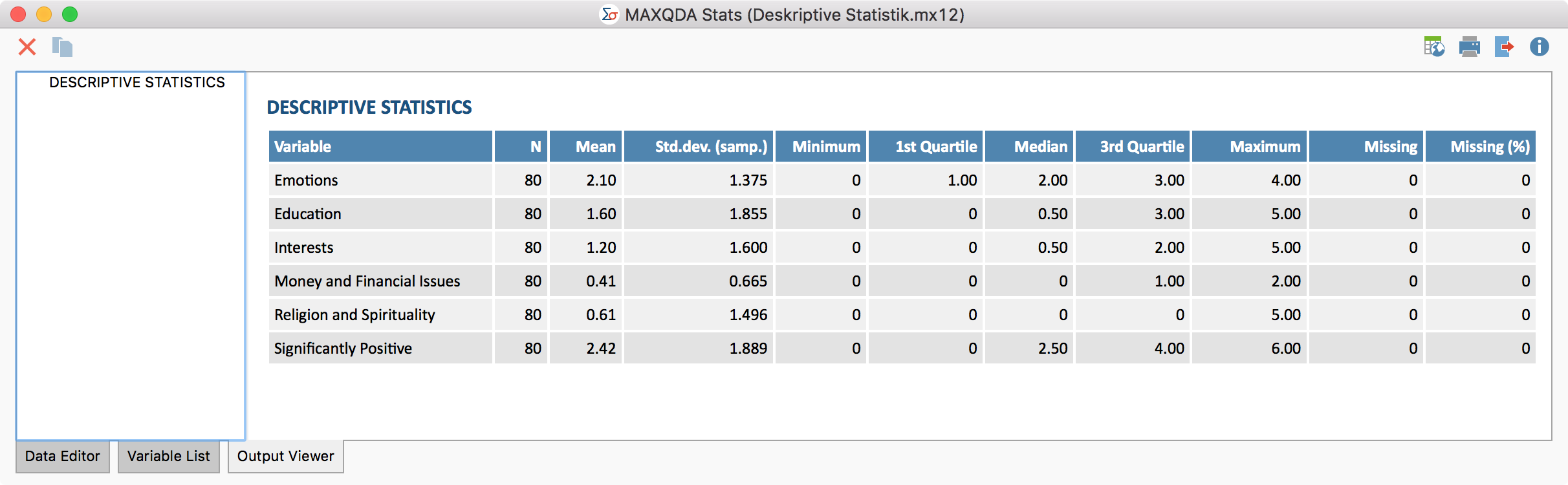
Once the tables have been created and adapted according to your needs, they can be transferred to the Output Viewer by clicking the Insert into Output Viewer
icon, which allows the tables to later be exported along with other results.

Once the tables have been created and adapted according to your needs, they can be transferred to the Output Viewer by clicking the Insert into Output Viewer
icon, which allows the tables to later be exported along with other results.

You are currently viewing a placeholder content from Facebook. To access the actual content, click the button below. Please note that doing so will share data with third-party providers.
More InformationYou are currently viewing a placeholder content from TikTok. To access the actual content, click the button below. Please note that doing so will share data with third-party providers.
More InformationYou are currently viewing a placeholder content from reCAPTCHA. To access the actual content, click the button below. Please note that doing so will share data with third-party providers.
More Information