
The "Questions – Themes – Theories" (QTT) workspace provides a bridge between your MAXQDA project and your research report.
QTT helps you to focus on the research questions or perhaps even start developing them. QTT can be compared to a scrapbook sheet on which everything about a particular subject or research question is collected, questions are recorded, themes and key categories are focused, and answers to the research questions are formulated.
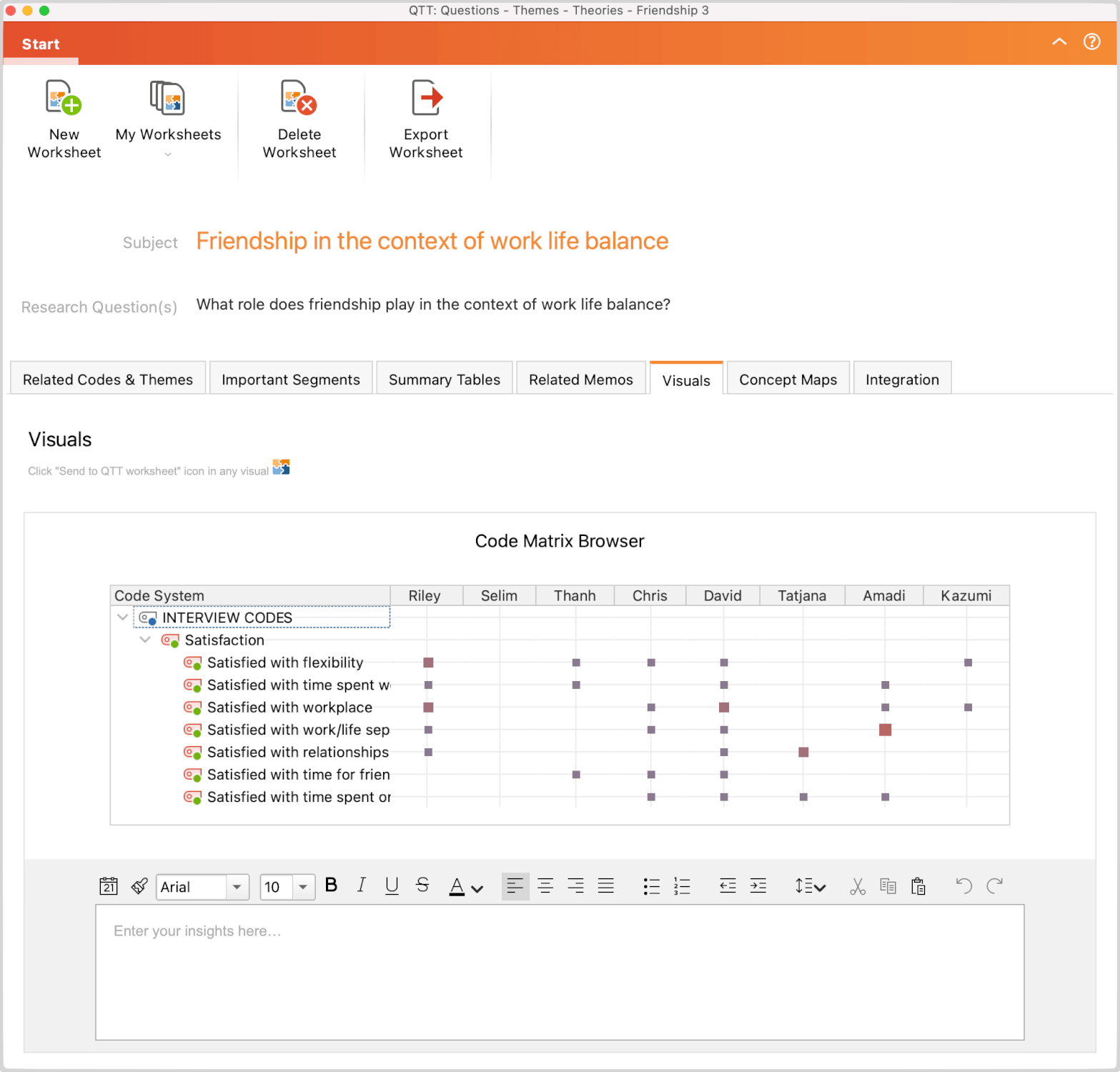
The QTT is the ideal place to collect everything you come up with for a topic and make it easily accessible. It is like a super memo in which you can enter and bring together findings, record conclusions and develop theories.
In the QTT workspace, you can create a separate worksheet for each of your different topics or research questions and then fill it with associated analysis elements from MAXQDA, including:
- related codes,
- important coded segments,
- related memos,
- visualizations and concept maps,
- Summary Tables.
Of course, you can export individual or all parts of a worksheet to the clipboard or the entire worksheet as a Word document.
Start the “Questions – Themes – Theories” workspace
- Switch to the Analysis menu tab.
- Click on QTT: Questions – Themes – Theories.

The QTT workspace will then open in a separate window while the main MAXQDA window stays accessible in the background. In the workspace, you can create new worksheets and edit and export your existing worksheets.
