
Advanced qualitative & mixed methods research for Windows and Mac.
Start your free MAXQDA trialMAXQDA is the best choice for comprehensive qualitative data analysis of diverse data sets. It works with a wide range of data types and offers powerful tools for advanced coding, retrieval, transcription and visualization, while still being easy to learn and use.
Applicable for a wide range of data
Use MAXQDA to manage your entire research project. Import data from interviews, focus groups, online surveys, web pages, images, audio and video files, spreadsheets, bibliographical data, emails, and even YouTube comments easily. Organize your material in groups, link relevant quotes to each other, and share and compare work with other members of your team. Your project is always flexible and your code system can be expanded or refined, just like your research.

Code & Retrieve your Data
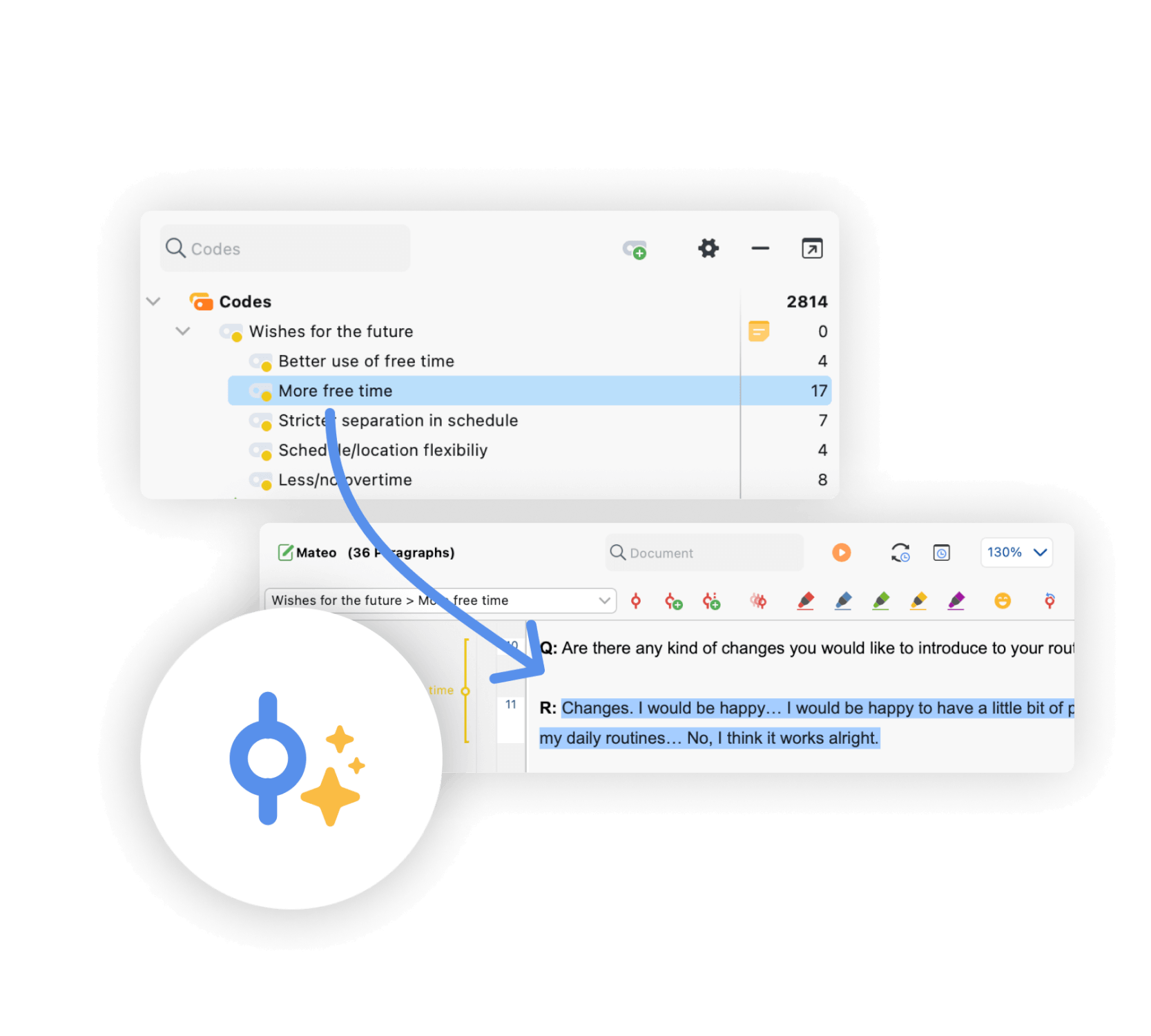
Mark important information in your data with different codes by using regular codes, colors, symbols, or Emojis. Code quickly via drag & drop or with automatic coding for search words and organize your thoughts and theories in Memos that can be stuck to any element of your project. Retrieve coded segments quickly and efficiently with just one click or make use of powerful search tools to test and develop new theories.
Capture your ideas
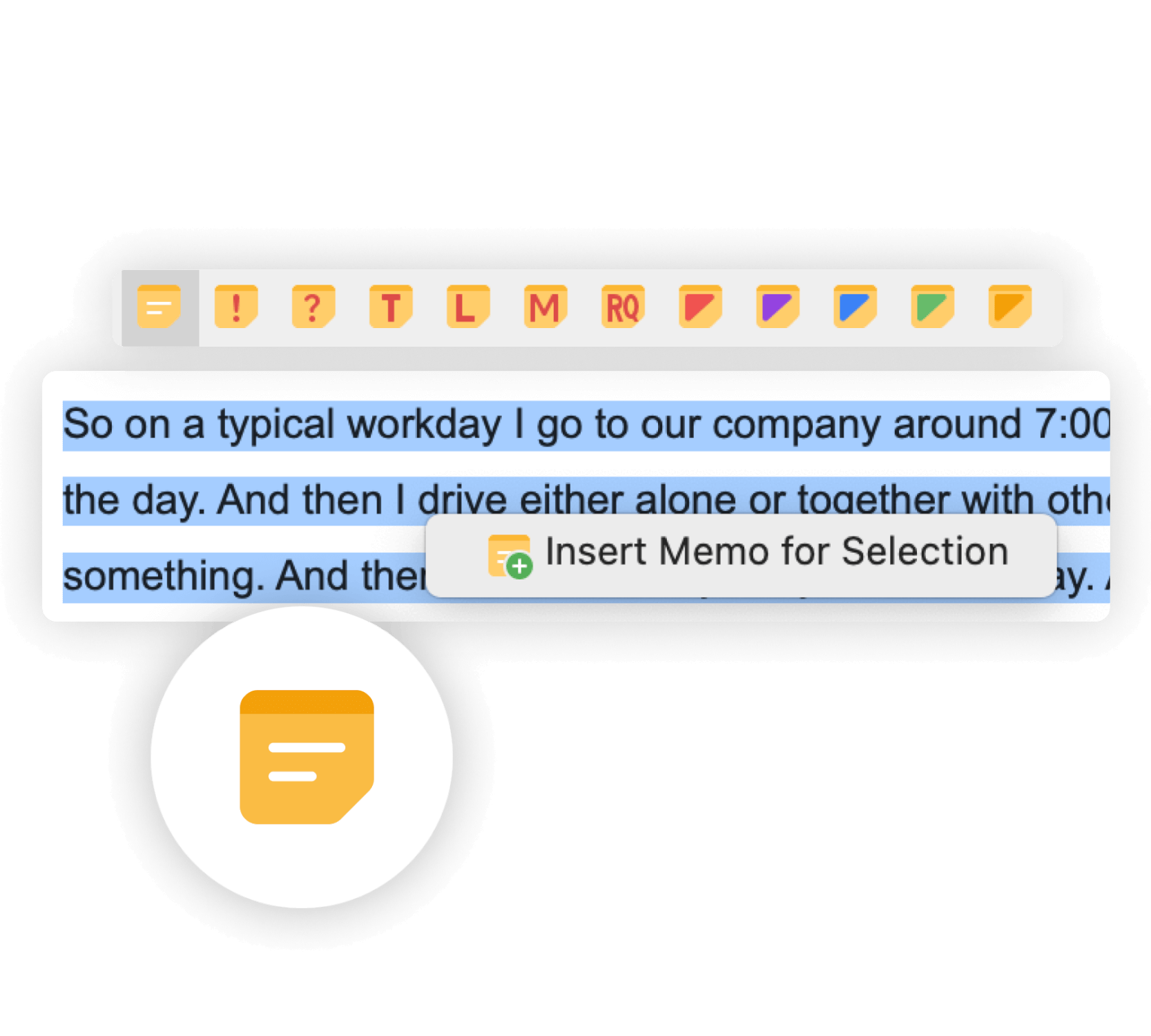
Great ideas often come up when you’re reading and coding your data. Memos are the perfect place to keep them. Choose from 11 different icons to mark your Memos. The unique MAXQDA Memo Manager and a search function guarantee immediate access to every single Memo at any time. Memos are also great for creating audit trails or paraphrasing passages into your own words.
Find what you’re looking for
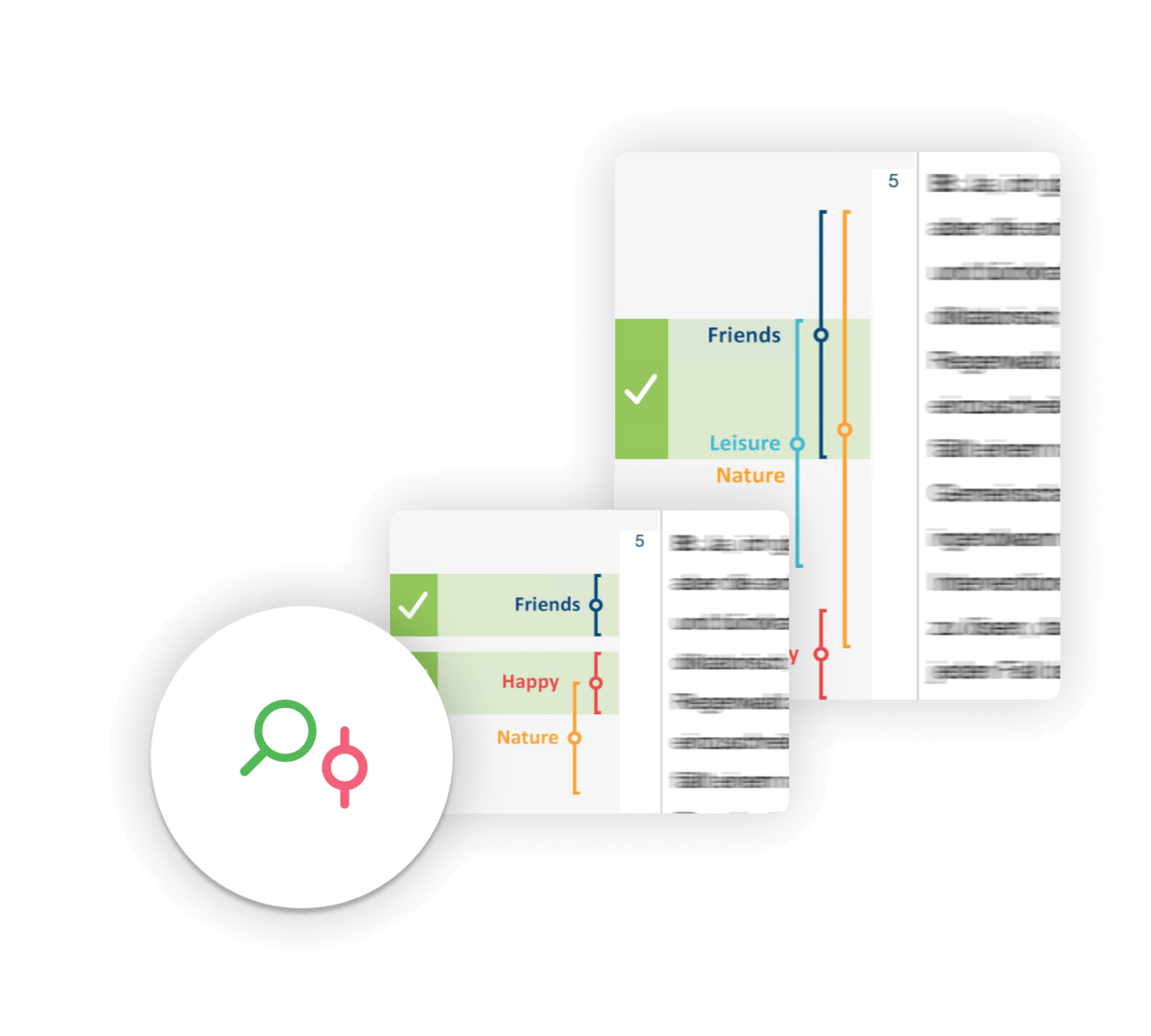
MAXQDA offers project-wide searches within documents, Memos or current retrieval results. You can type in single or multiple search strings and combine them using operators. Quickly scroll through each search hit with an interactive search result display and apply a code automatically to all or selected search results. Of course, you can also perform a quick search in each individual window of MAXQDA.
Analyse and transcribe media
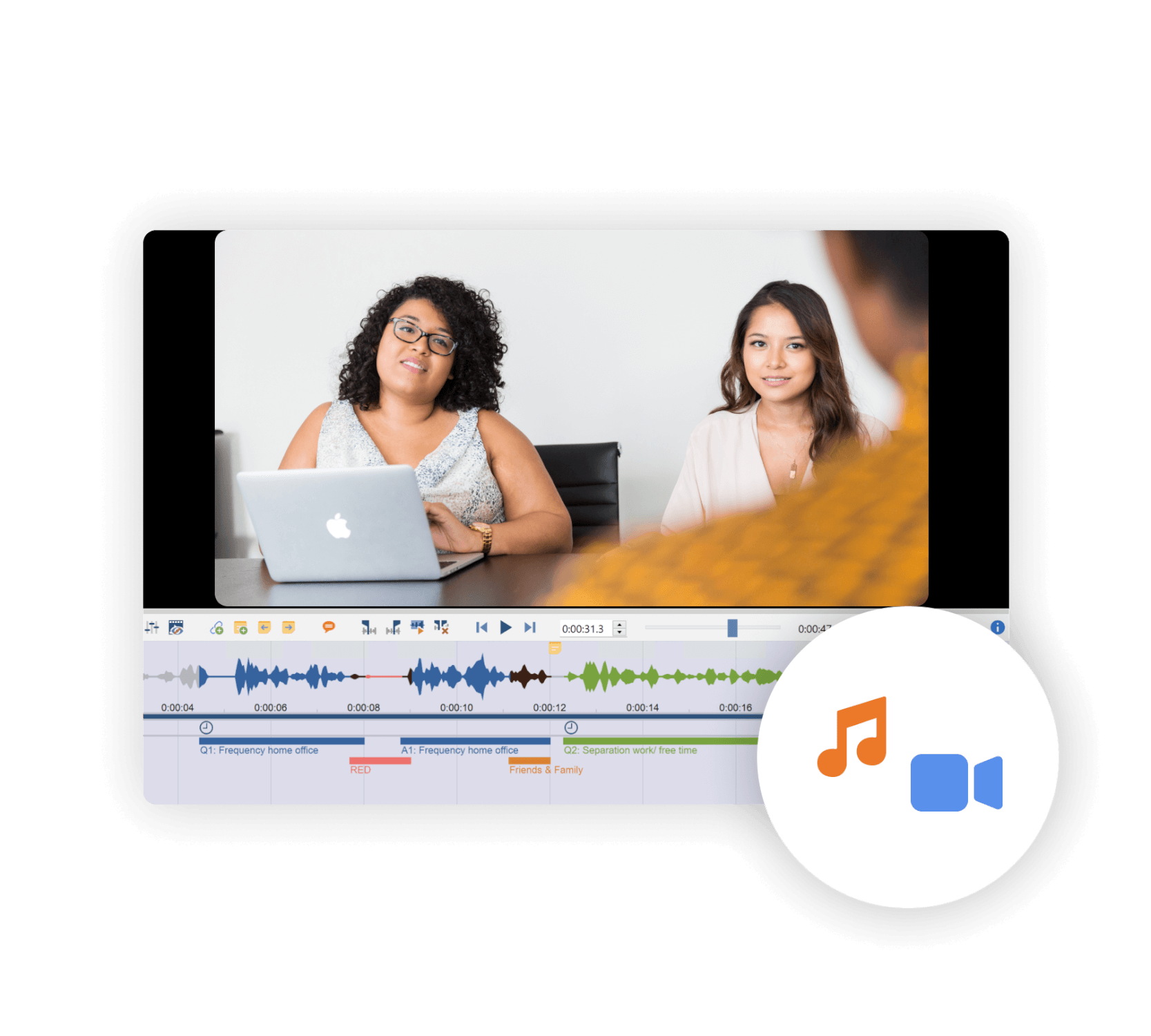
Use MAXQDA to code audio and video files directly without creating a transcript first. Or transcribe your media to analyze the written text instead, while always staying connected to the original media clips. MAXQDA has extended transcription functions with which you can adapt the speed or the sound volume of your audio and video files and use foot pedals to speed up the transcription. With MAXQDA Transcription you can automatically transcribe audio and video files in over 50 languages. Media clips are treated like any other segments in MAXQDA. You can code, paraphrase, retrieve, comment and assign a weight to these segments in the same way as with other segments.
AI Assist: Qualitative data analysis meets AI
AI Assist – your virtual research assistant – supports your work with various tools. Besides automatic transcription of audio and video recordings in different languages, AI Assist simplifies your work by automatically analyzing and summarizing elements of your research project and by applying codes to your documents and generating suggestions for subcodes. No matter which AI tool you use – you can customize your results to suit your needs.
Learn moreSpecialized tools for quantitative text analysis
MAXQDA includes specialized tools and functions that enable researchers to facilitate a vast range of procedures for quantitative text analysis, especially within qualitatively oriented projects. Included are tools for visual text exploration, for performing vocabulary analyses and content analyses, as well as for dictionary based analysis. Create a dictionary and search and code all search hits at once.
Learn More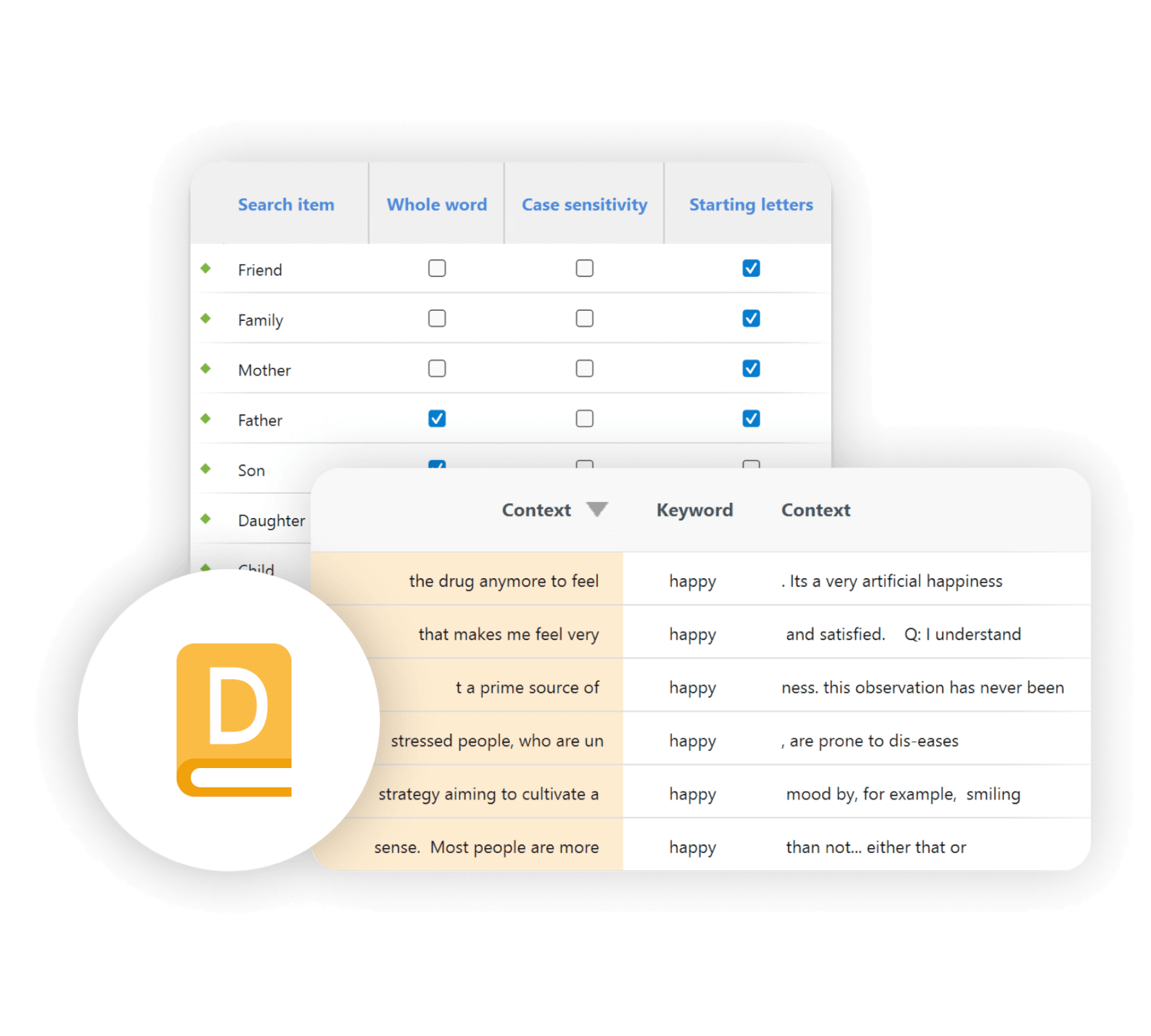
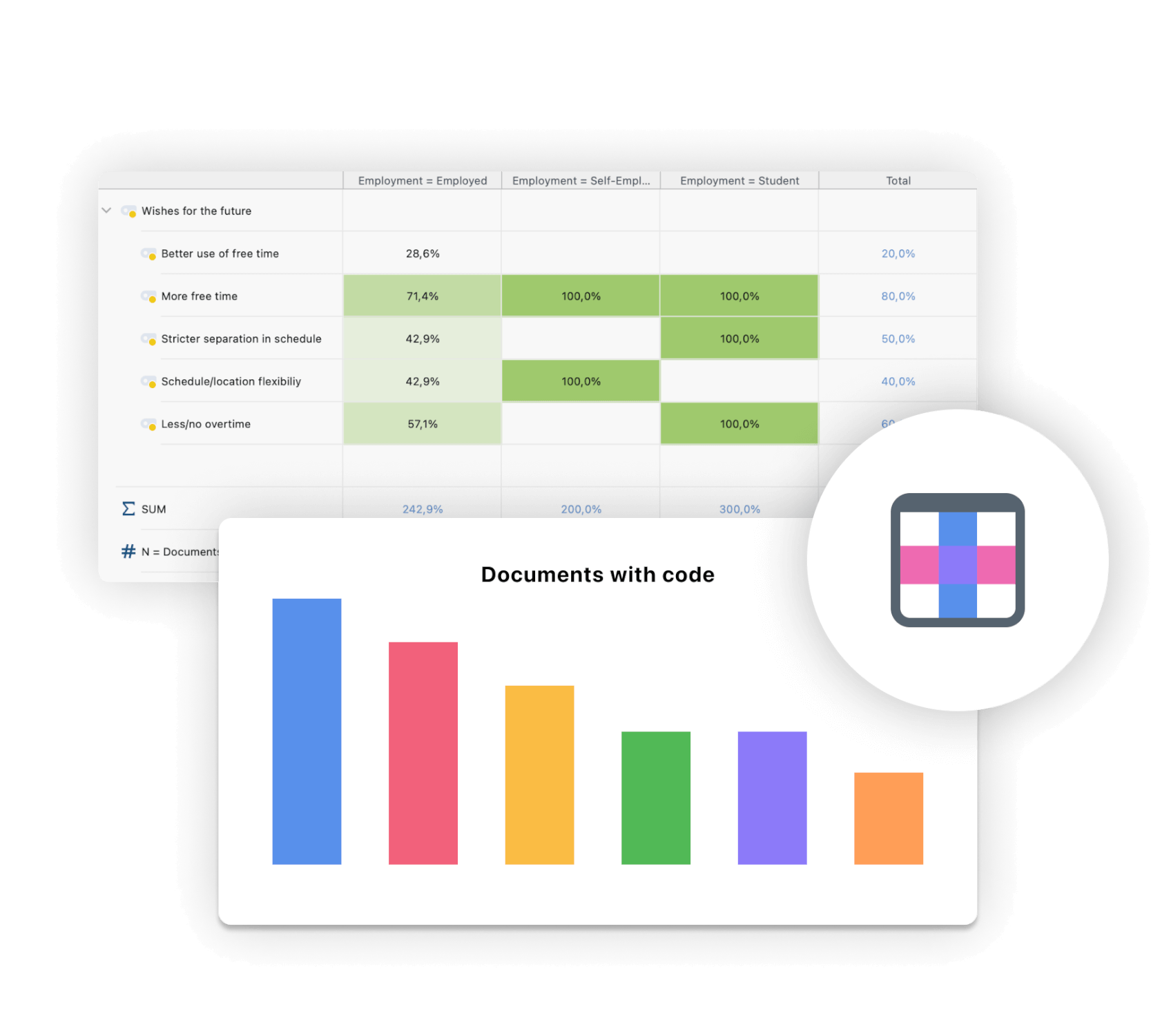
The Mixed Methods Expert – Integrate demographics
Integrate quantitative methods or data deeply into your project and use MAXQDAs Mixed Methods tools. Link qualitative data to demographic variables, quantify the results of your qualitative analysis, calculate statistical frequencies, or compare groups based on quantitative as well as qualitative findings in MAXQDA.
Visualize your data and test your theory
Automatically or manually generate stunning visualizations of your data. Look at your data from a completely new perspective for new insights or theory testing. Share your results by exporting them into impressive images to use in your reports and presentations. Or create extensive maps with the on-board mapping tool MAXMaps.
Learn more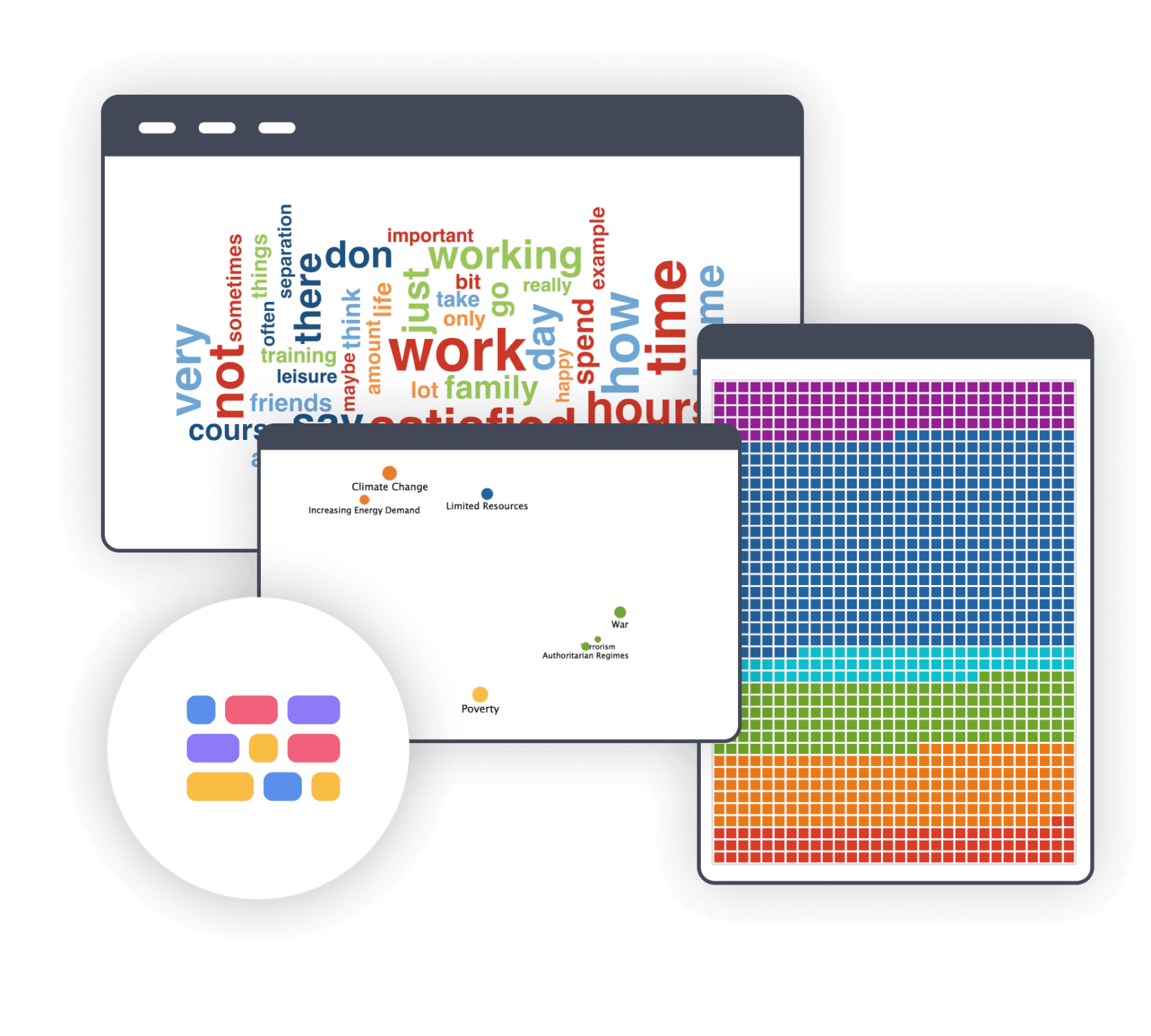
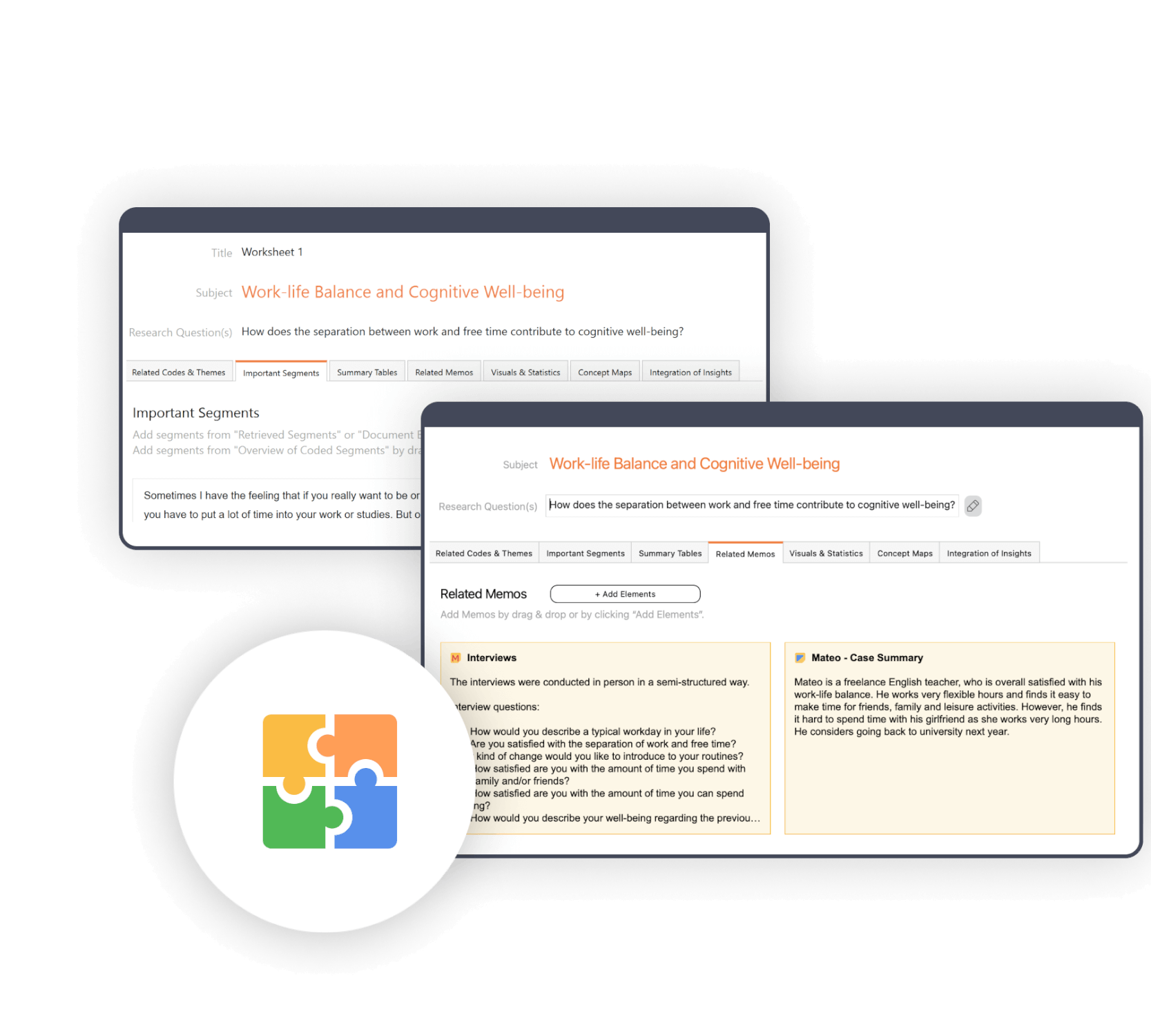
QTT: Collect relevant insights and develop new theories
MAXQDA has an innovative workspace to gather important visualization, notes, segments, and other analytics results! QTT will support you during the analysis phase after coding and is the perfect space to collect relevant insights and develop new theories.
Share your research with the world
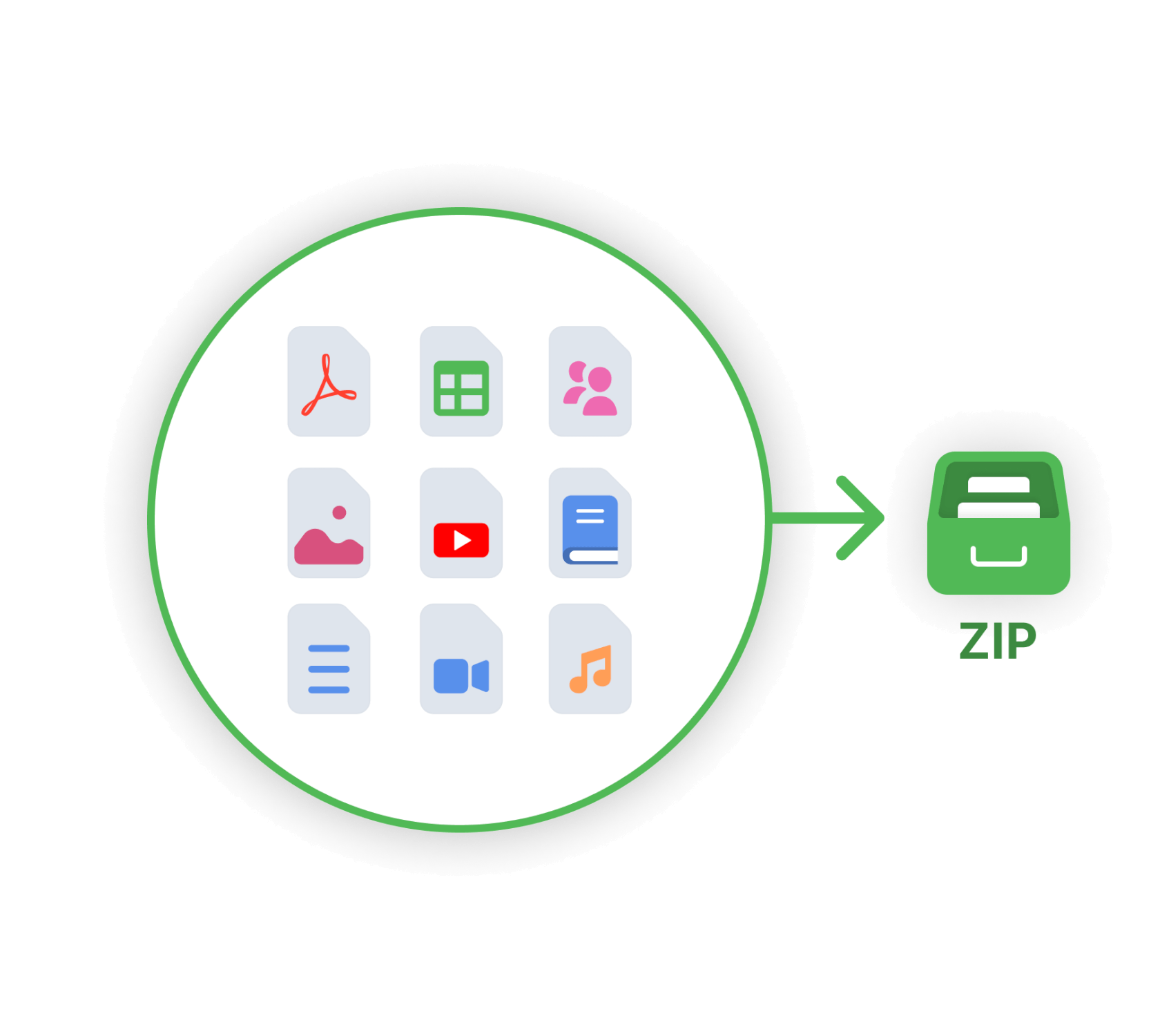
Your MAXQDA data is just waiting to be shared with the world! Export parts of your project, single documents, search results or the whole project into easily readable file formats, like Excel, Word. You can also export complete projects into a clear and understandable folder structure. MAXQDA also follows the REFI-QDA standard, which allows you to export and import data from other QDA software packages.
Work with any language in MAXQDA
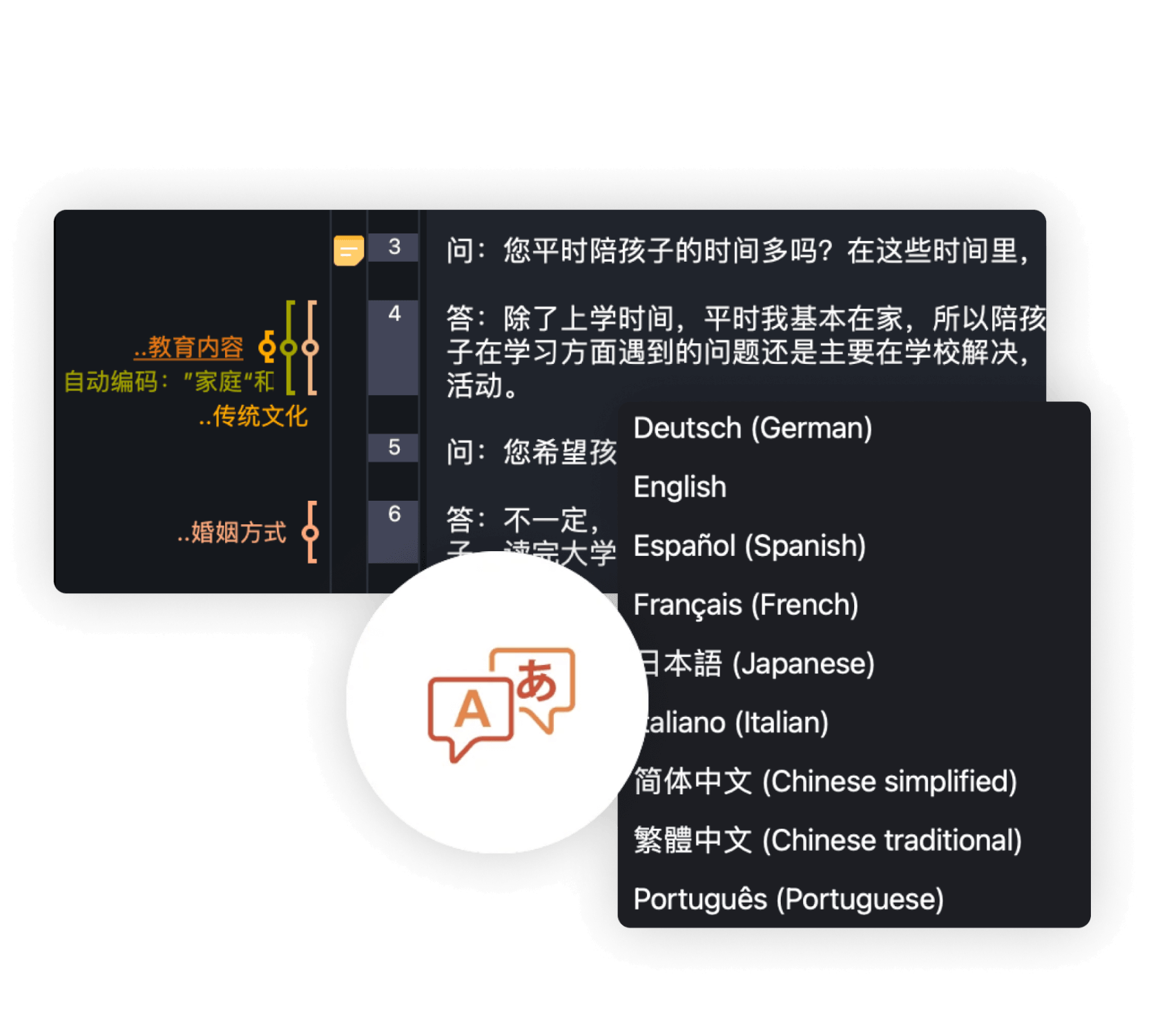
MAXQDA offers a variety of possibilities to work with different languages. Not only is the User Interface available in numerous languages but also your analysis can be conducted in every single language of the world. The fact that MAXQDA supports Unicode makes it possible to import and analyze documents in any script and language. Learn how to use MAXQDA in your preferred language in our Getting Started Guides. Additionally, our international Professional Trainer Network provides the opportunity to participate in multilingual MAXQDA Workshops.
