
Turn Your Research Into a Team Effort
Share Documents, Coded Segments, and Variables With Your Team
Complex research questions are easier to tackle together. MAXQDA helps you to organize your collaboration – whether you work one after another, in separate project files, or in the cloud.
Take Turns on One Project
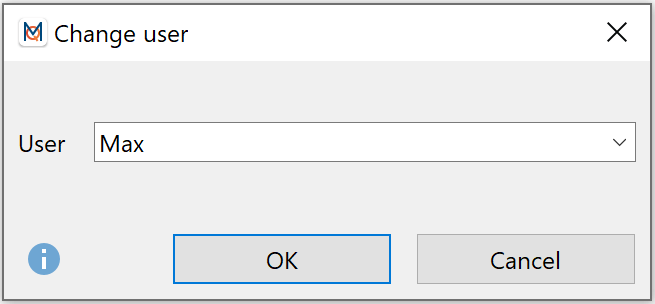
Work on the same project file one after another. Each team member logs in with their own user name. MAXQDA stamps every code and memo with the name of its creator, so you always know who did what.
Work in Parallel: Split and Merge Projects
Split your data into separate project files and let each team member work on their part at the same time. Later, merge everything back into one project file.
Check Intercoder Agreement
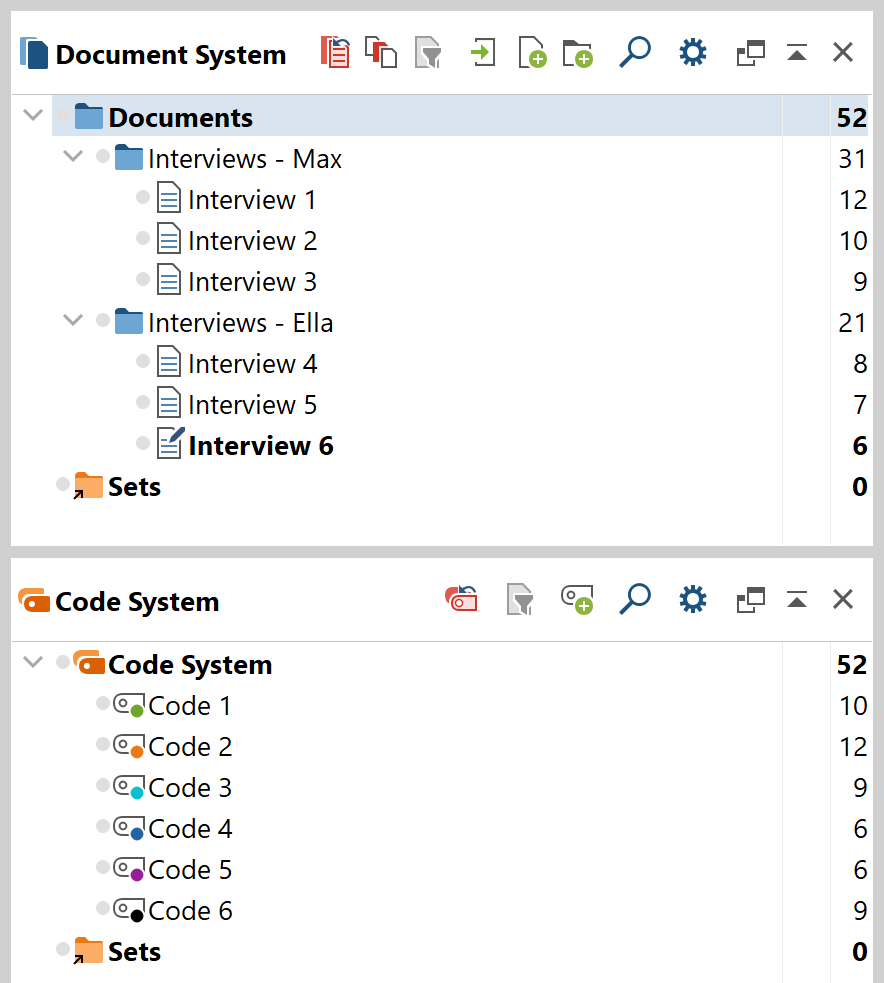
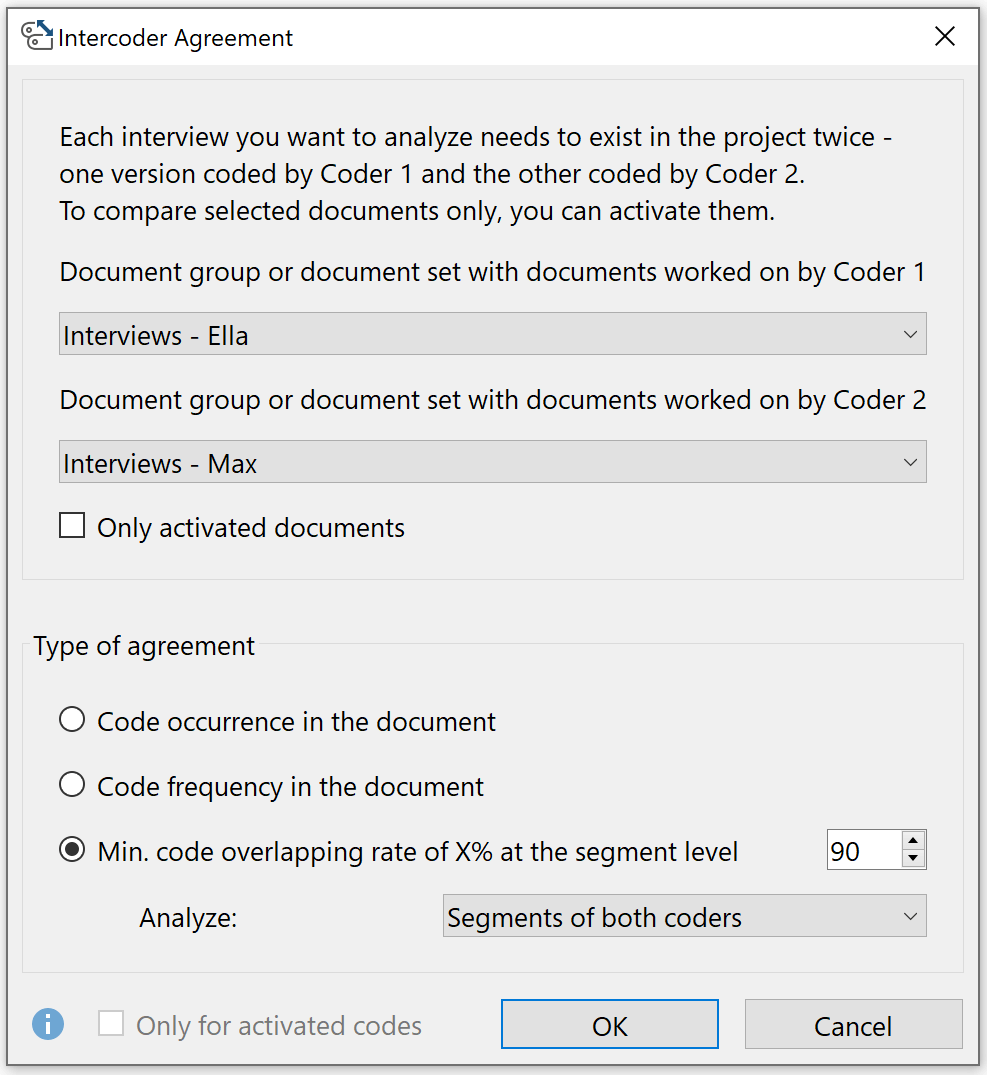
Code the same material independently, then compare the results. MAXQDA shows whether you assigned the same codes and how much of the coded text overlaps. Use the results to discuss and refine your coding strategy.
Control Who Can Do What
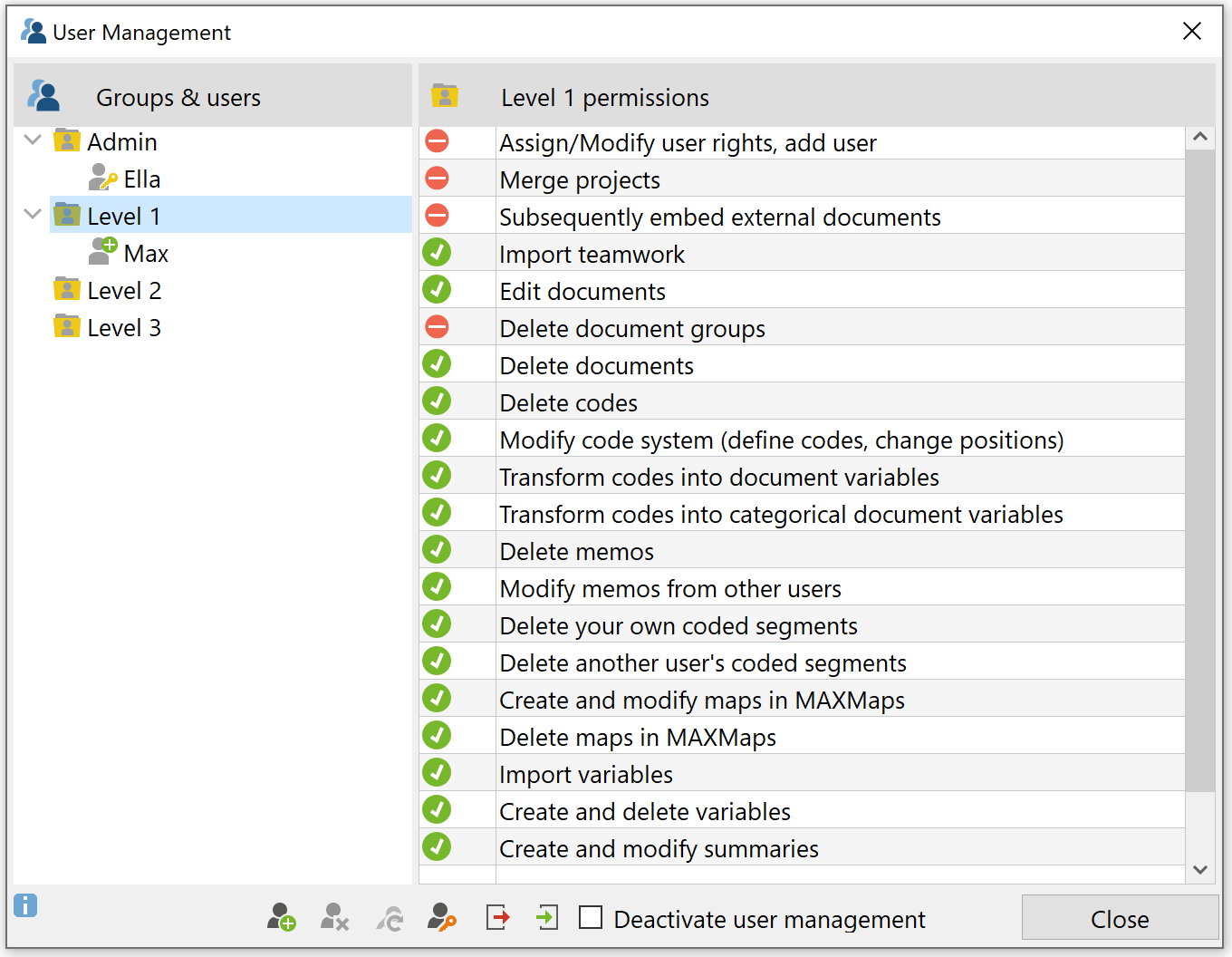
Protect your project file with a password and decide who can open it. With the User Management, you assign each team member a role and define which actions are allowed – for example, deleting codes or editing memos.
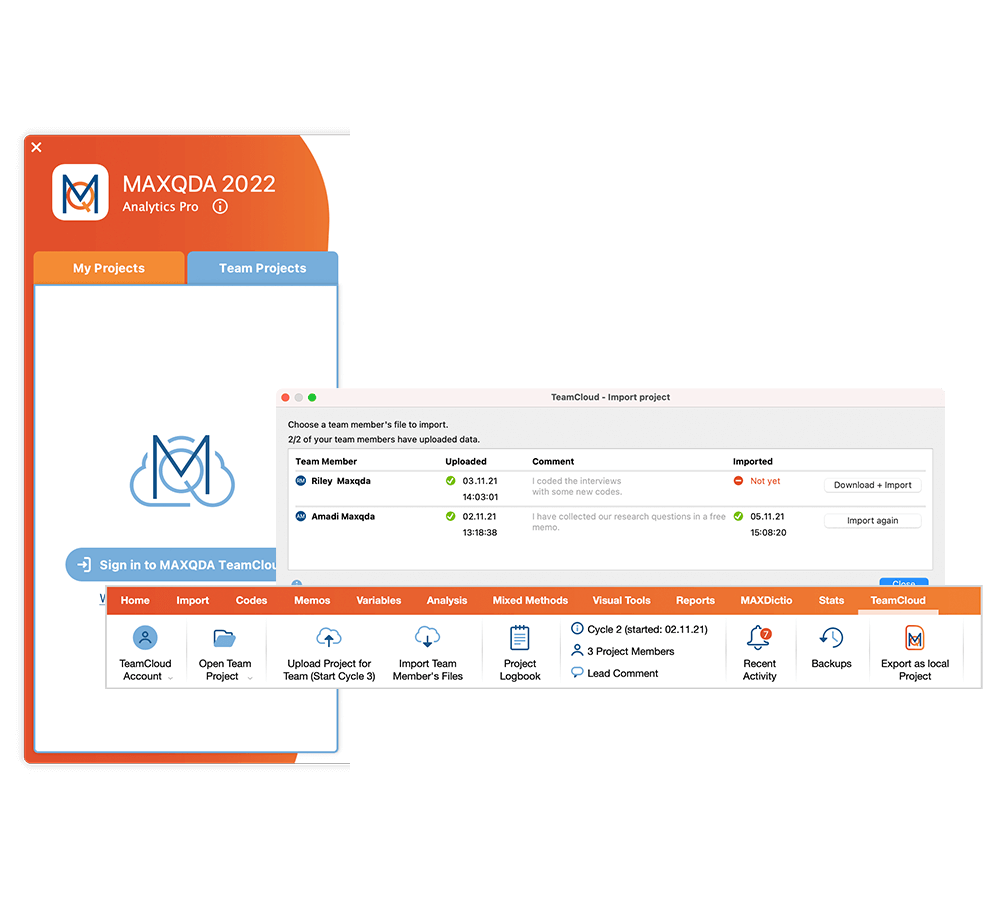
Collaborate in the Cloud (TeamCloud Add-on)
With the TeamCloud add-on, your team shares projects in a secure cloud space. Everyone analyzes their part, and you decide when to import whose work. Merge protocols document every import and a shared team logbook keeps notes and project information in one place.
Learn more about MAXQDA TeamCloud