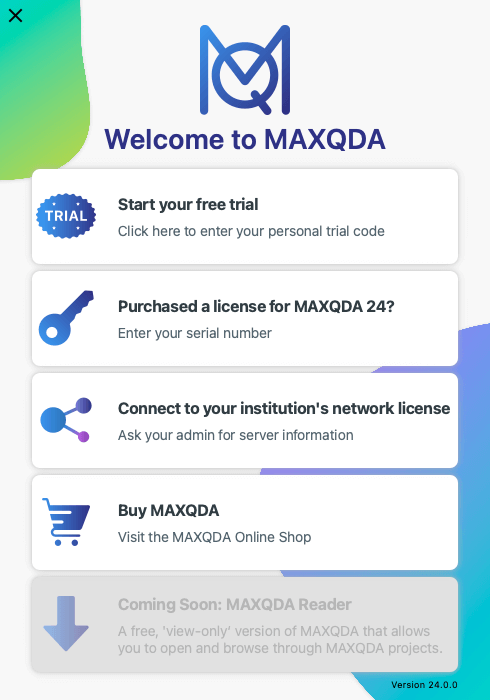
Start your free MAXQDA trial by downloading it here.
You will receive an email containing your personal trial code. Simply enter the code by clicking on Start your free trial at the top of the activation window to start (or continue) your 14-day trial period.
You can unlock the trial at any time with either a serial number or by connecting it to a network license.